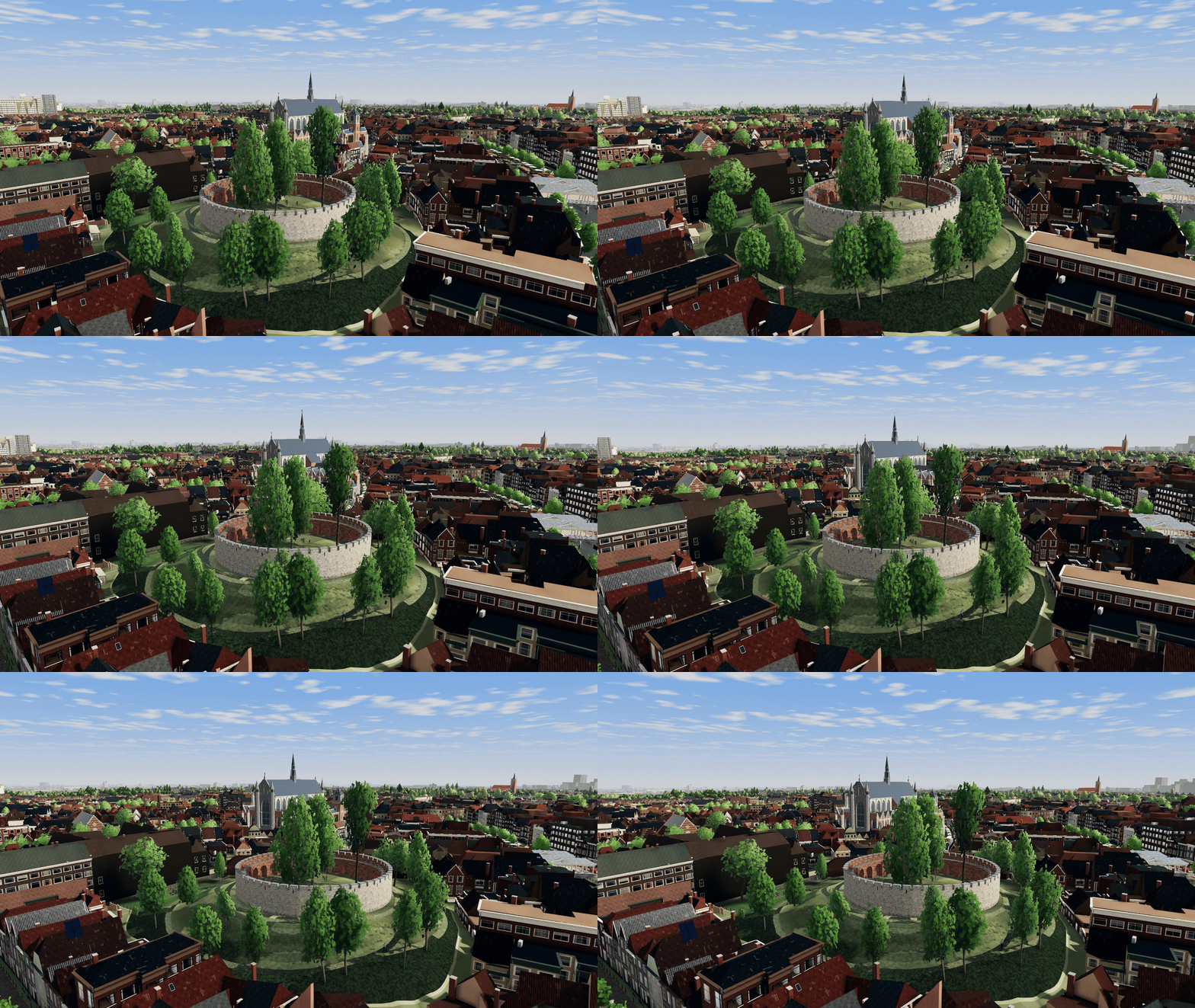
What you can do as a gull
Steal food when someone looks away. Later in the campaign you can squawk. During the Lakenfeesten you can crap on the parade boats. Someone on board will usually have something to say about it.
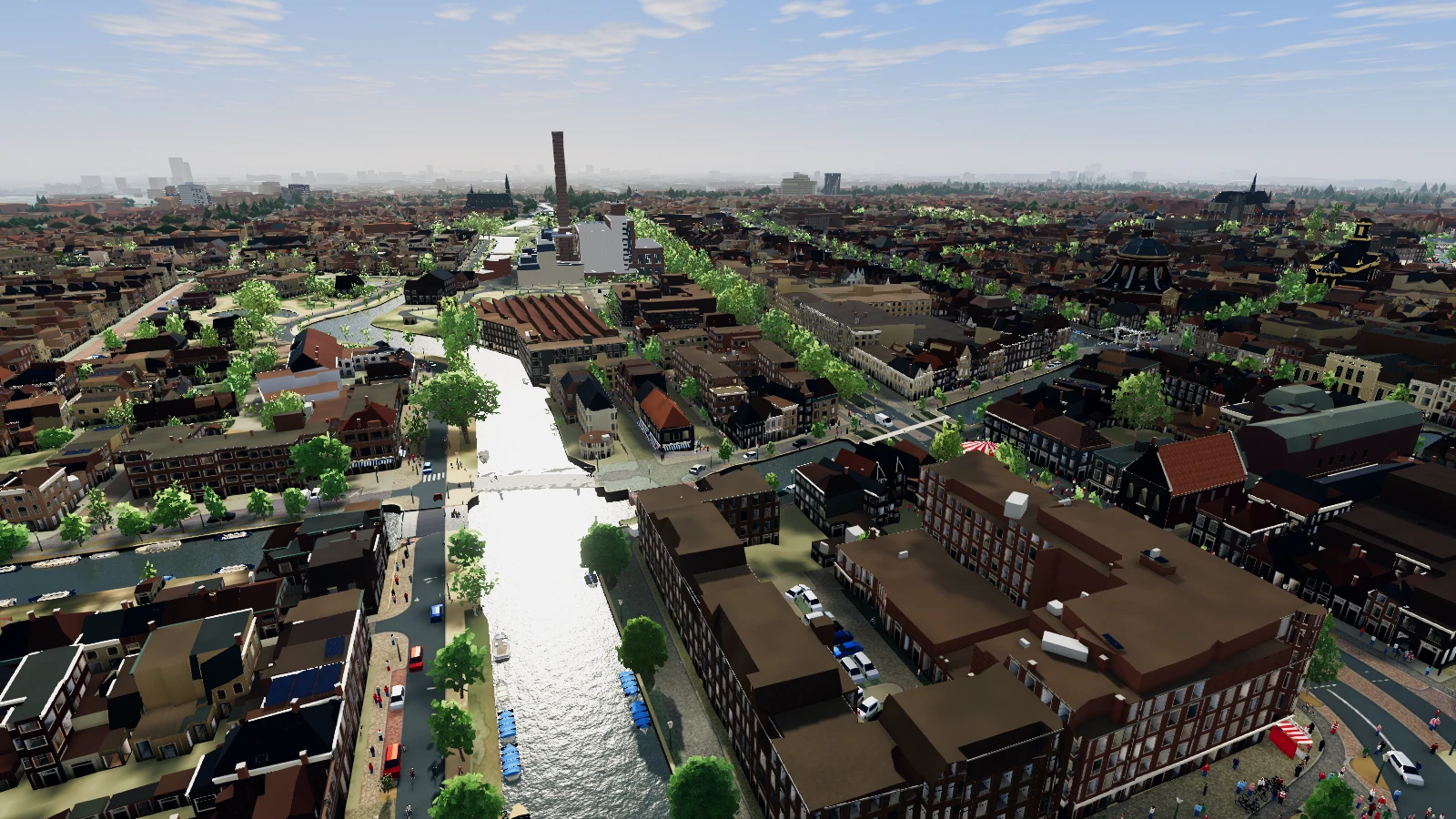
Play a seagull in picturesque Leiden.
Your life? Screaming, Stealing and Shitting.
To celebrate this release, we are giving away 200 copies of the full Windows game. Enter your email address and confirm it by email.
The first 200 confirmed requests receive a personal Microsoft Store code. One code per email address and one request per IP address per hour. This does not subscribe you to a newsletter. PrivacyTHE GAME
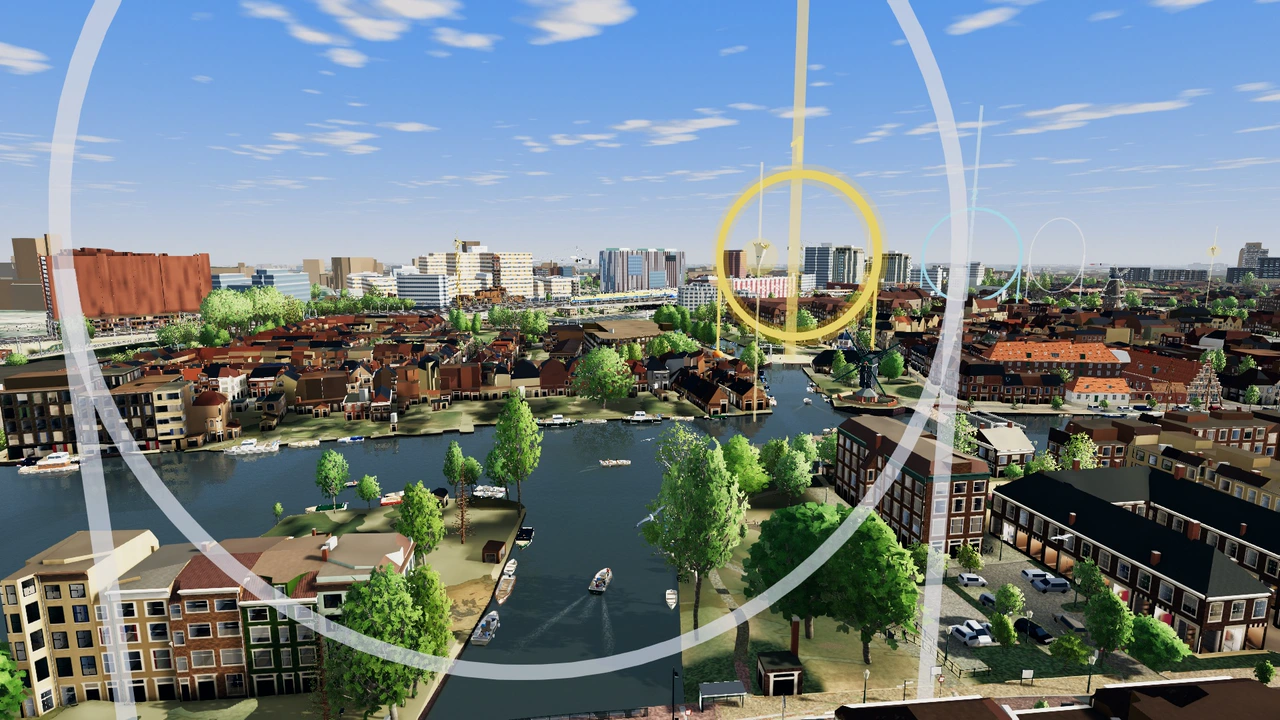
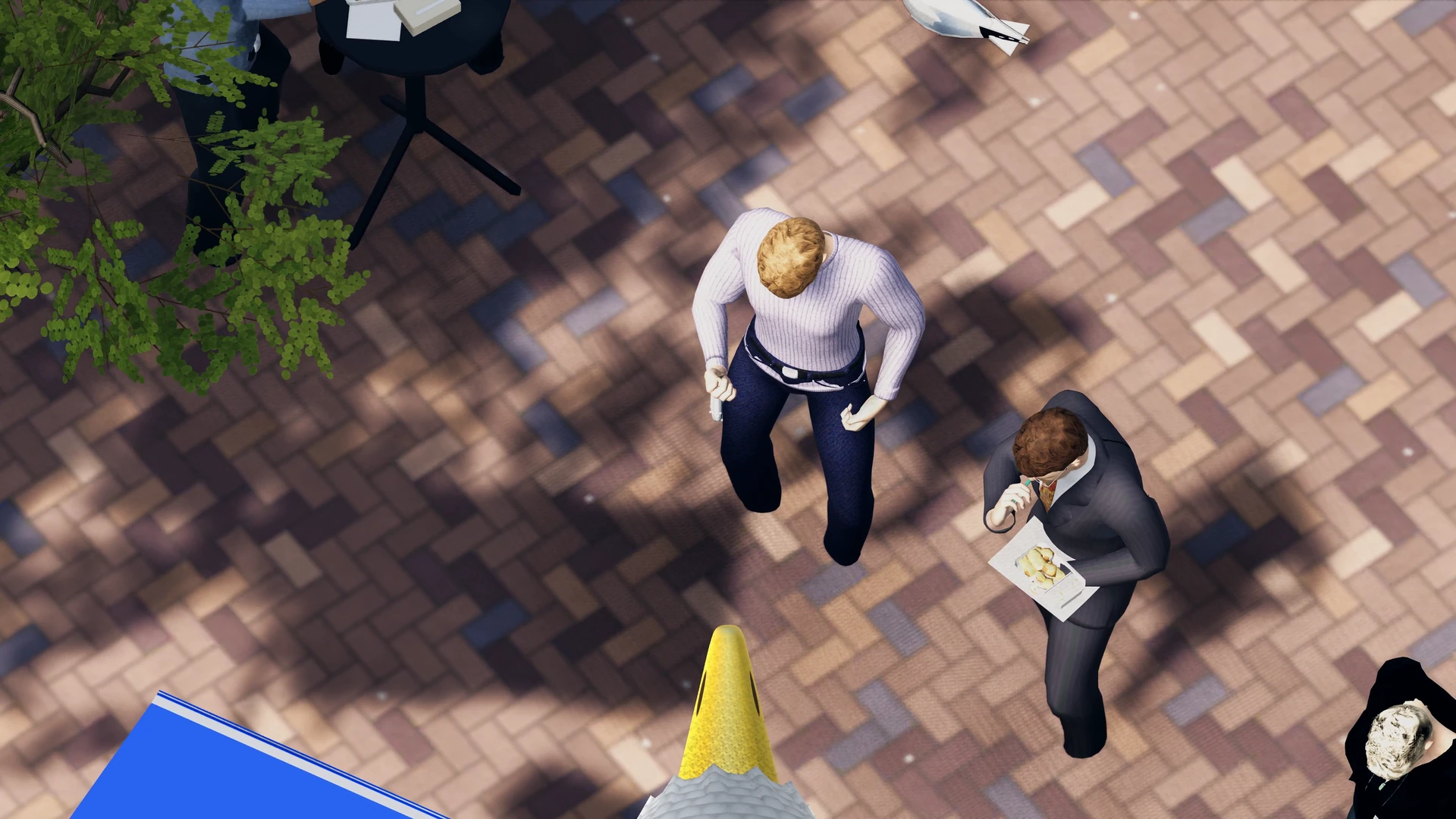
From the air you can see who’s holding food. Pick a snack, wait for an opening and dive.
Those stingy Dutch people guard their food. Dive too late and you’ll get a swat instead of a snack. The same haul earns more points in a busy square. More nuisance, more better!
Look at someone holding food and press F to lock on.
Tap Space to build up dive power.
Press Enter to dive. Try to grab the food before someone swats you away.
In the sandbox you can fly without a campaign objective. Use the game’s clock and seasons or switch to the current time and weather in Leiden.
THE CAMPAIGN
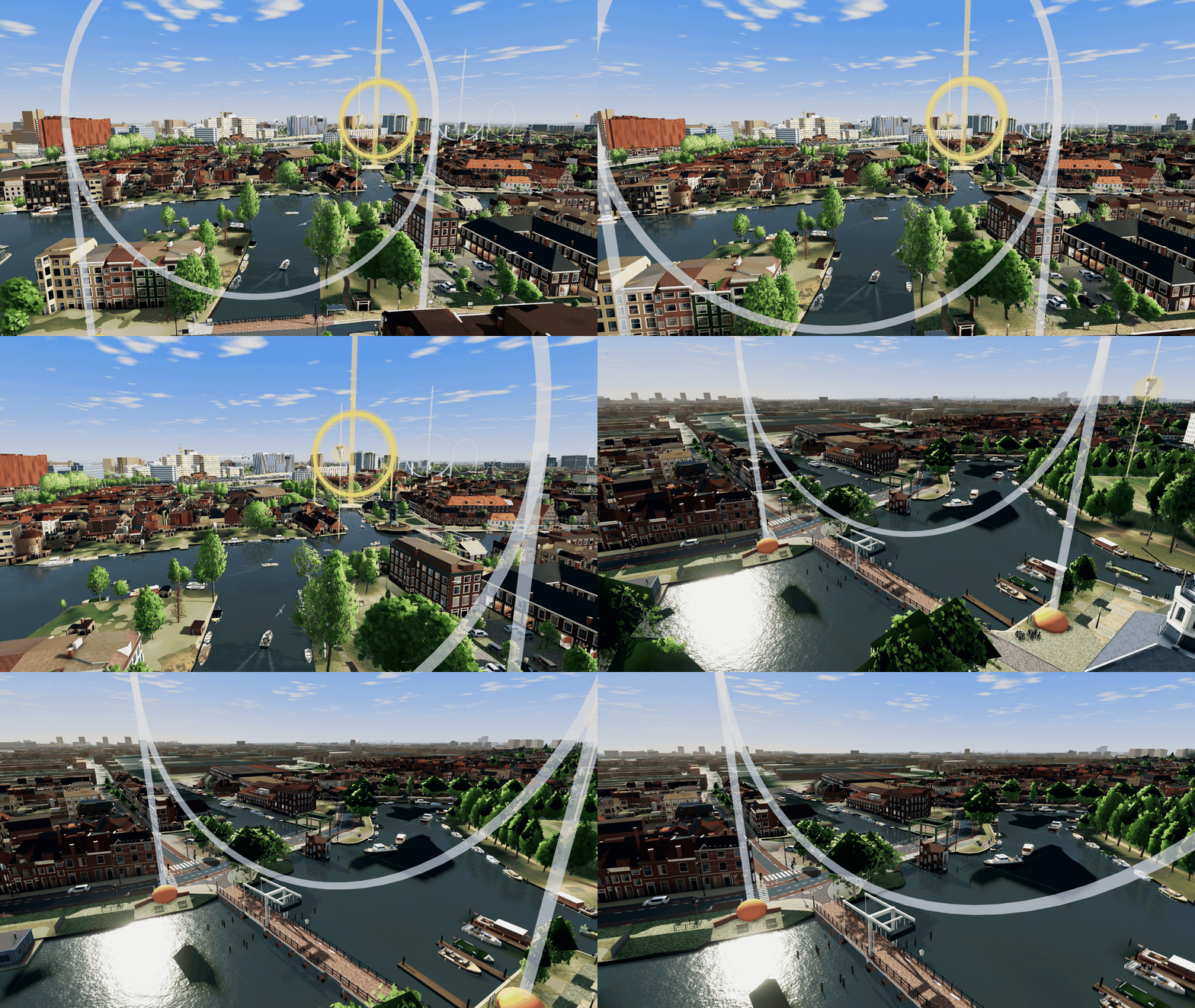
Start at the fish stall and practise without a time limit. An opening flyover shows you where each mission takes place.
Free demo
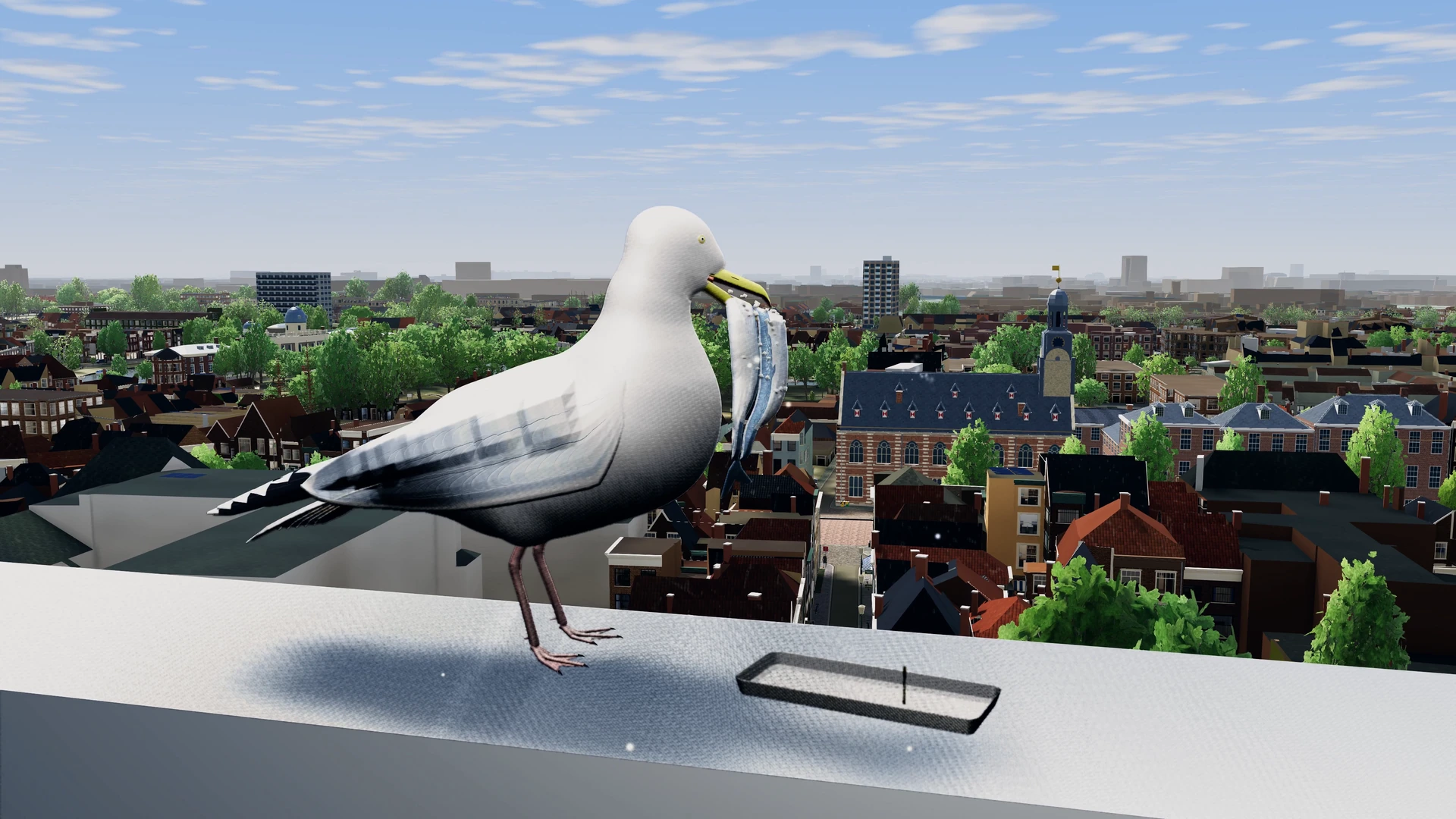
Steal three bites of fish at the stall on Stationsplein. Take as long as you need to practise aiming and diving.
SPRING MORNING · LEIDEN’S OUTER CANALS
Race Kobus around Leiden’s outer canals. Fly through the checkpoints and cross the finish line before him.
SATURDAY MORNING · CITY CENTRE
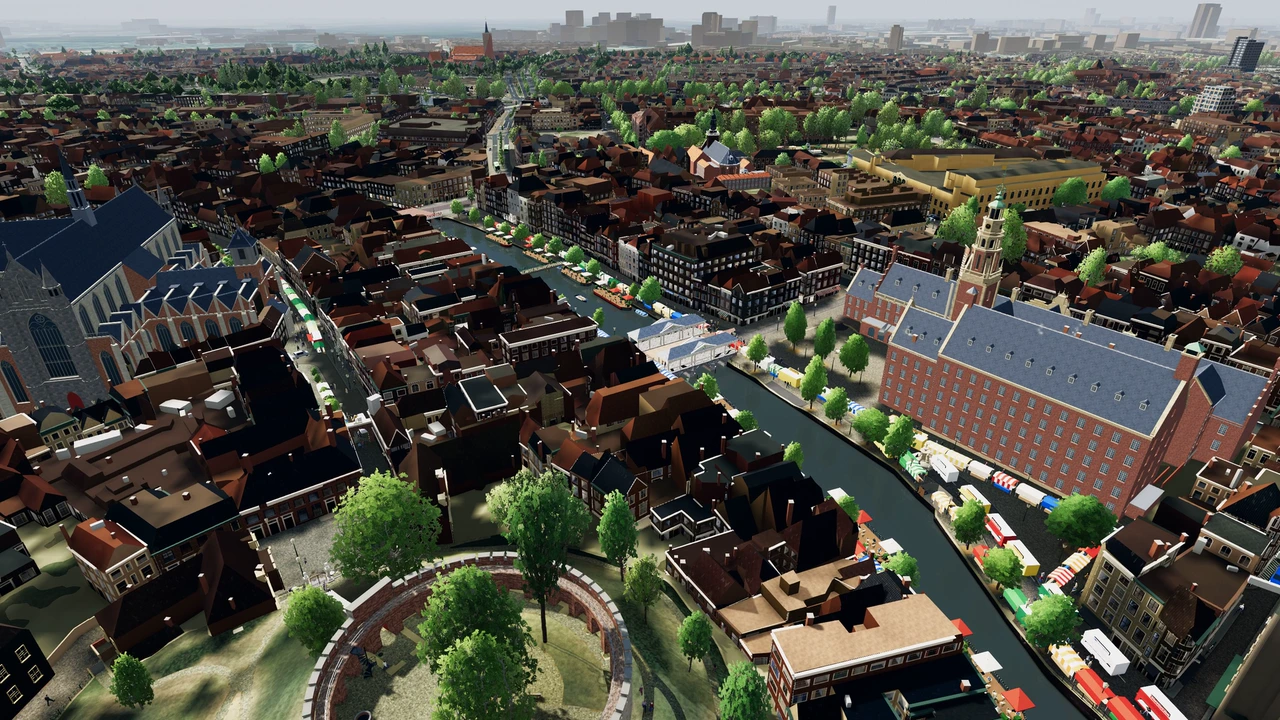
Steal six different snacks from the Saturday market on the Nieuwe Rijn in eight minutes. Score at least 150 nuisance points along the way.
ELEVEN IN THE MORNING · ALL OF LEIDEN
Crap on five landmarks before time runs out. A guide is still trying to finish his tour. If you run out, a tourist will toss you a sandwich.
SUMMER AFTERNOON · EL CID
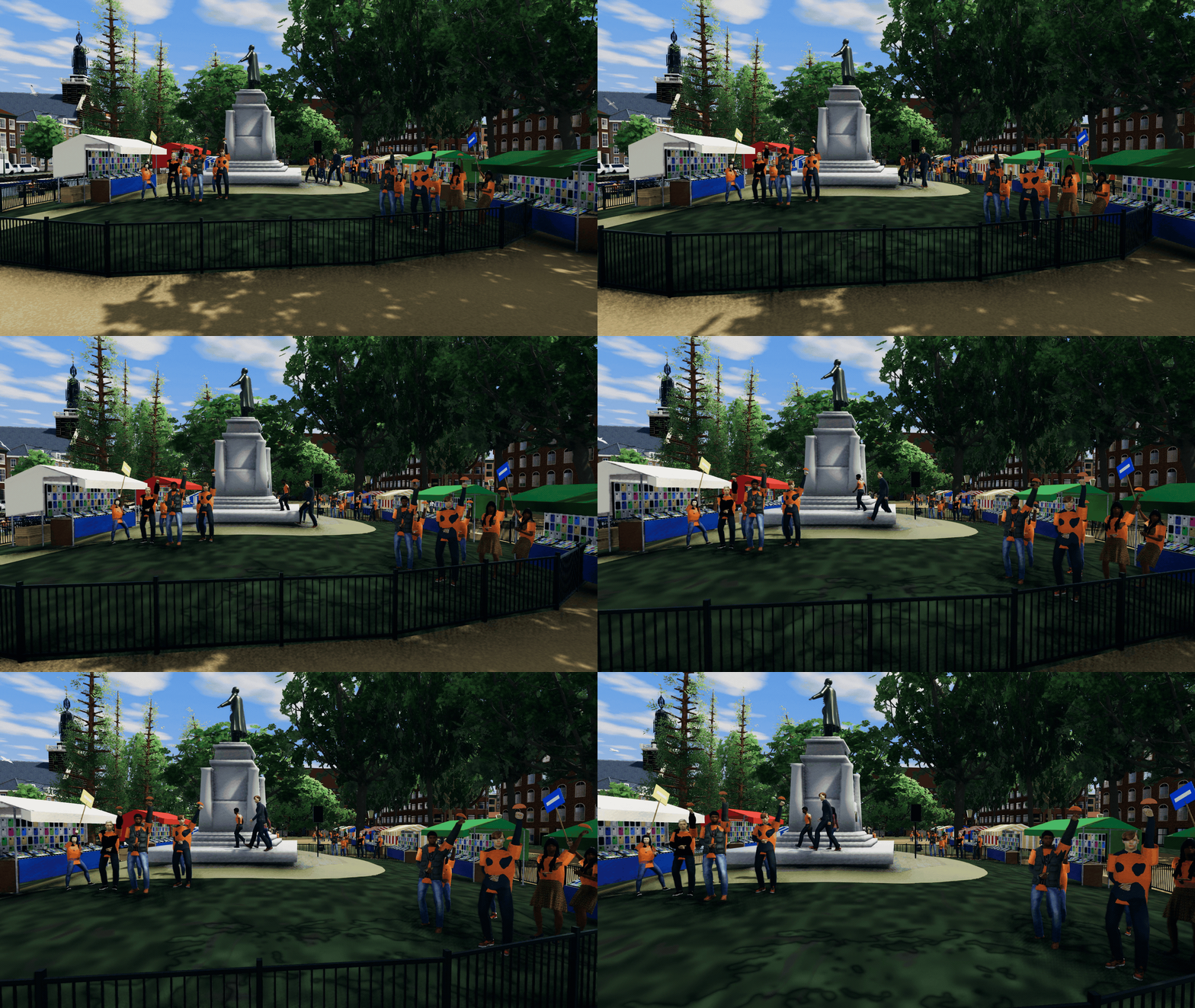
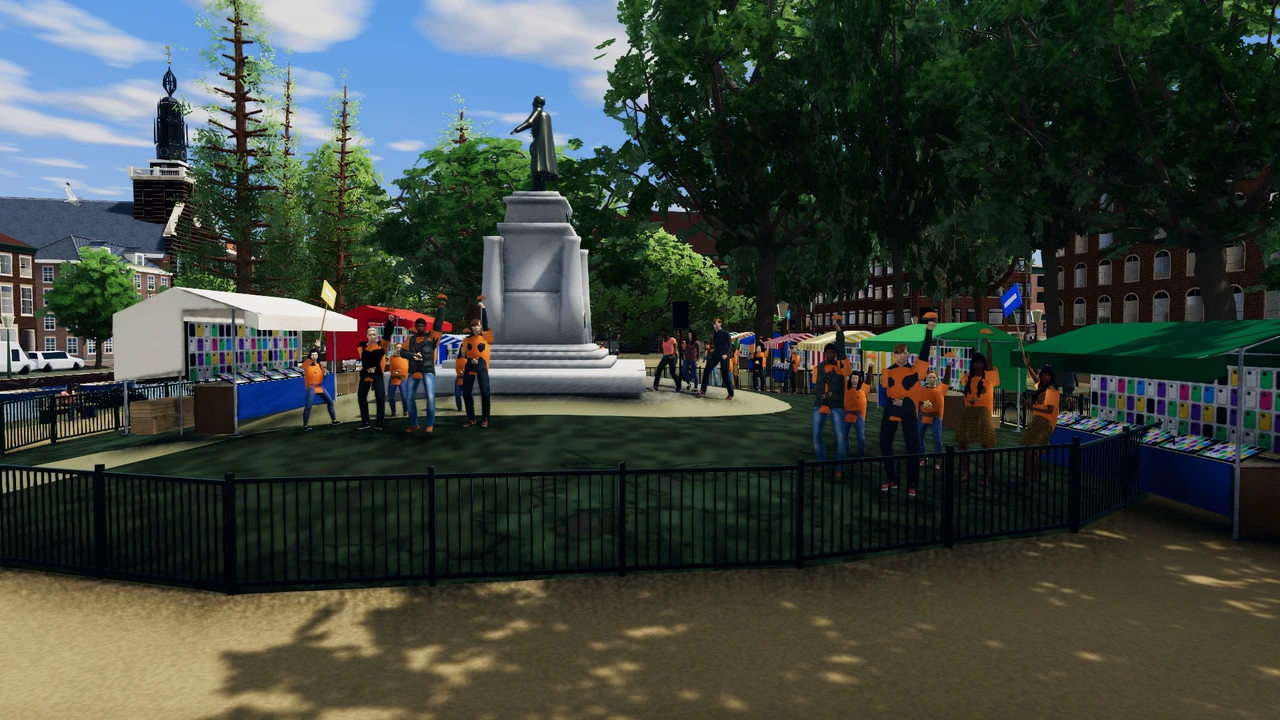
Steal pizza from freshers wearing eight different shirt colours in Van der Werffpark. You have five minutes to score at least 250 points.
FRIDAY EVENING · LAKENFEESTEN
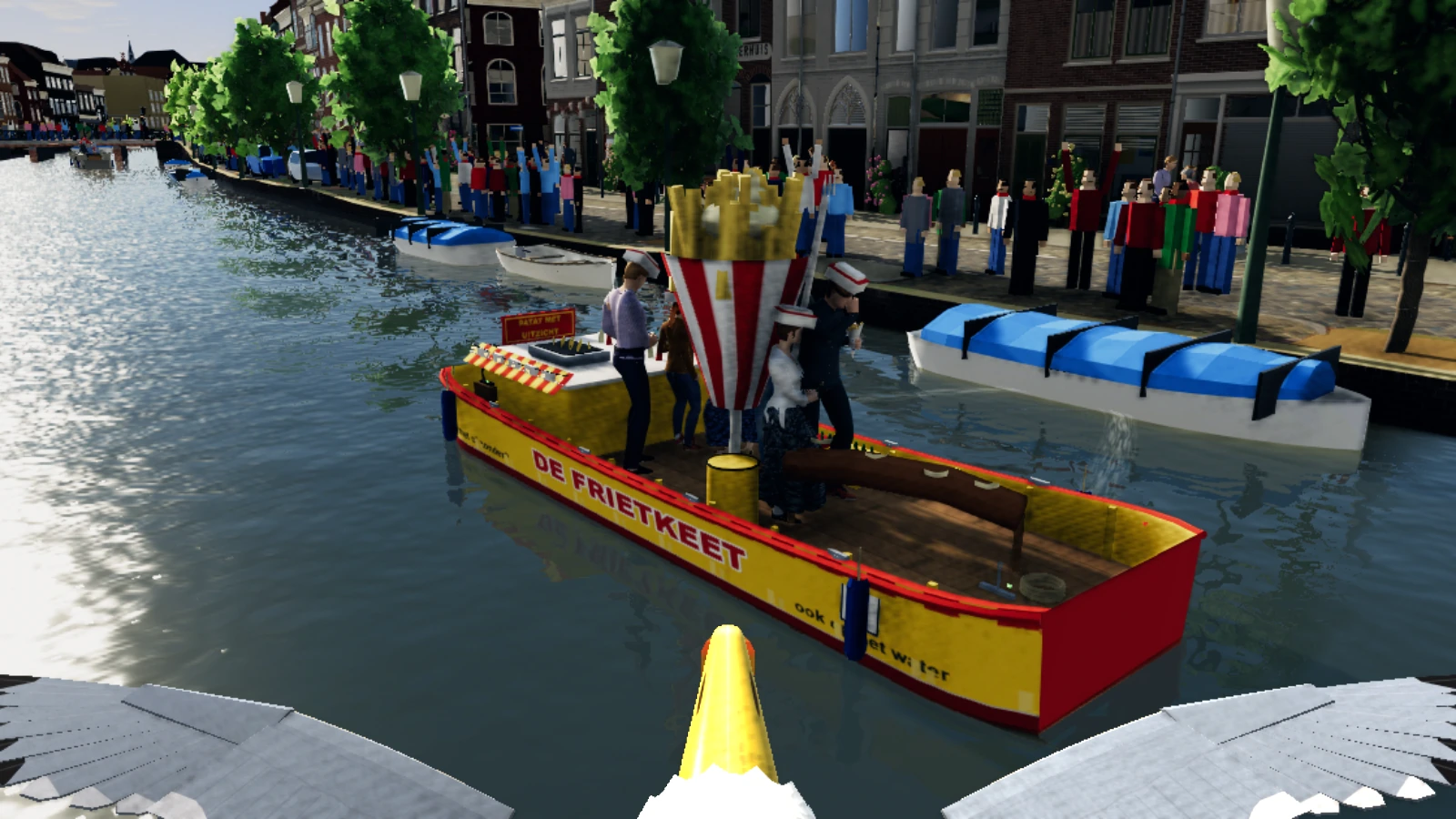
Steal food from five different boats and crap on three within seven minutes. They sail from the Beestenmarkt to the Zijlpoort. Check the map to find your targets.
MORNING · NO TIME LIMIT
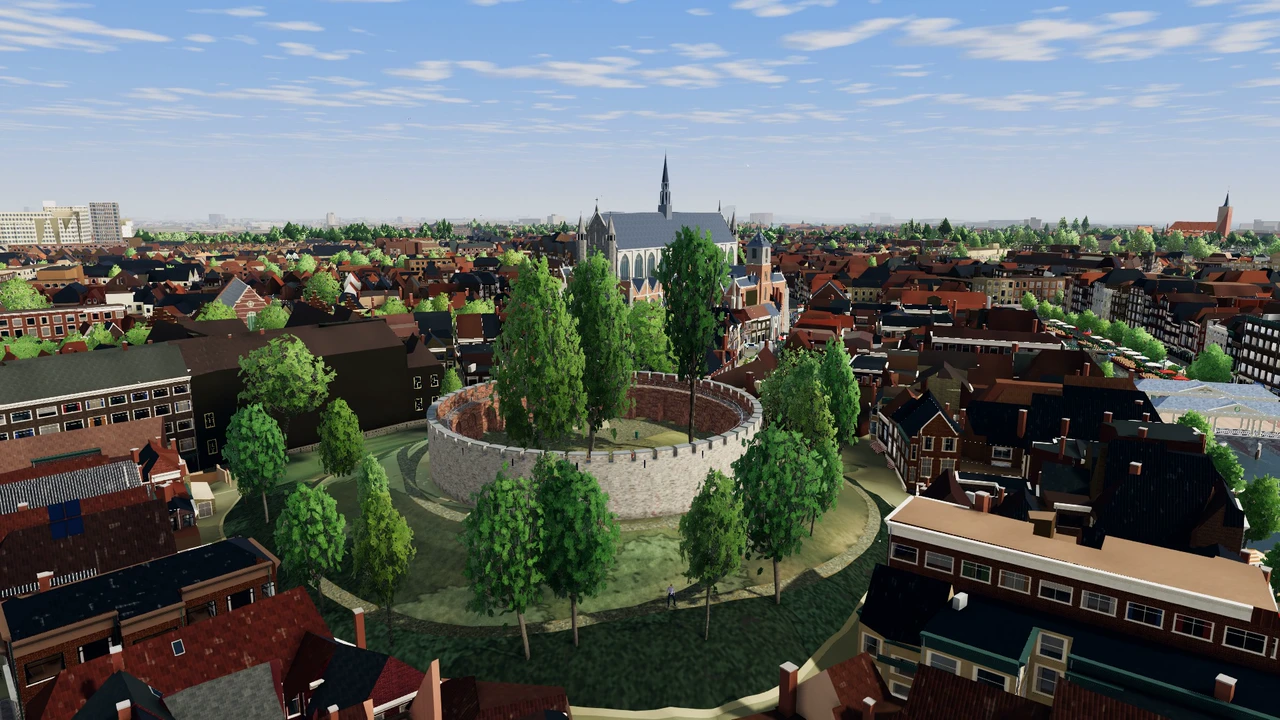
Bring four twigs and two pieces of soft material to the rooftop nest by the Burcht. Swoop down to pick them up and carry them one at a time. There’s no time limit. Watch out for the rival gull.
WINTER DUSK · FLOATING CHRISTMAS MARKET
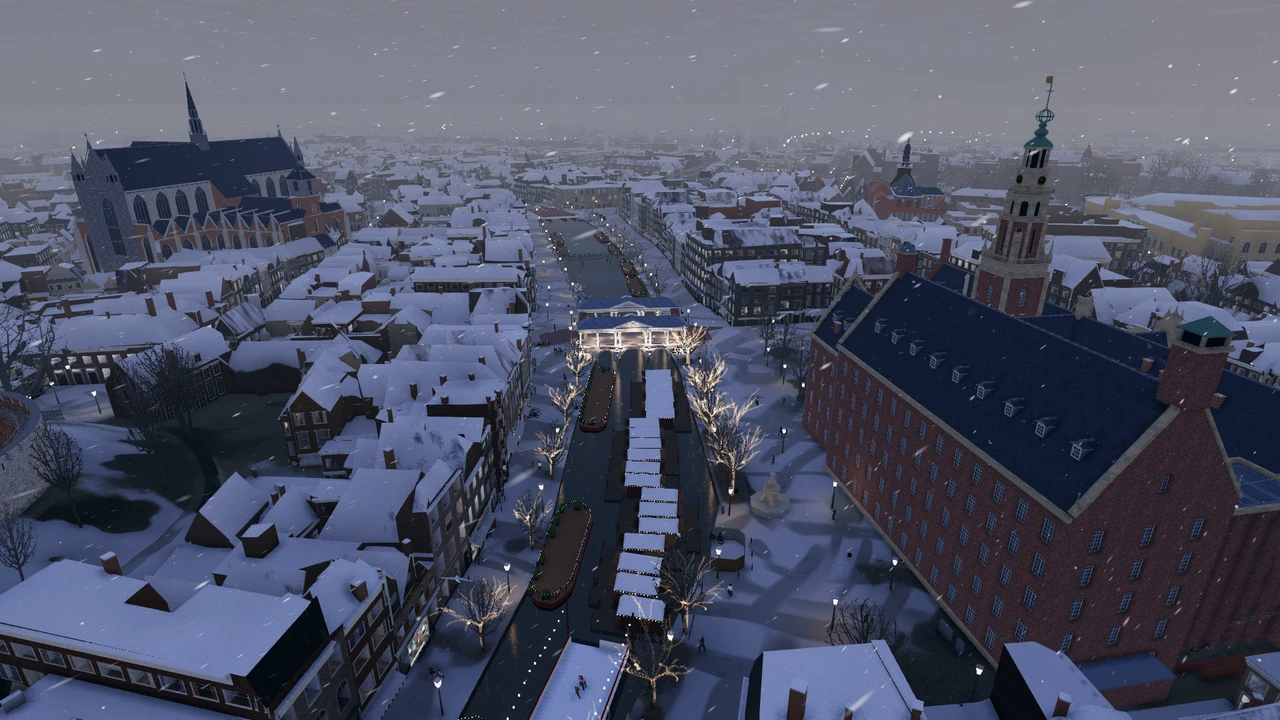
Steal six snacks from the floating Christmas market on the Nieuwe Rijn in five minutes. Score at least 150 points and grab something hot to stay warm in the snow.
FRIDAY NIGHT · BEFORE CLOSING TIME
The bars are closing. Steal eight bites before the last döner shop shuts at four. Keep an eye on anyone holding a beer bottle. It might come your way.
3 OCTOBER · CITY FESTIVAL
Splat three DJs and score 1,000 nuisance points. Then steal the mayor’s chain of office at the town hall. You have ten minutes.
These missions are from the development build and may change.
About the game
The fish cart at Leiden Central Station is covered in signs warning customers about seagulls. But the stubborn Dutch never learn, so dig in.
Steal food when someone looks away. Later in the campaign you can squawk. During the Lakenfeesten you can crap on the parade boats. Someone on board will usually have something to say about it.
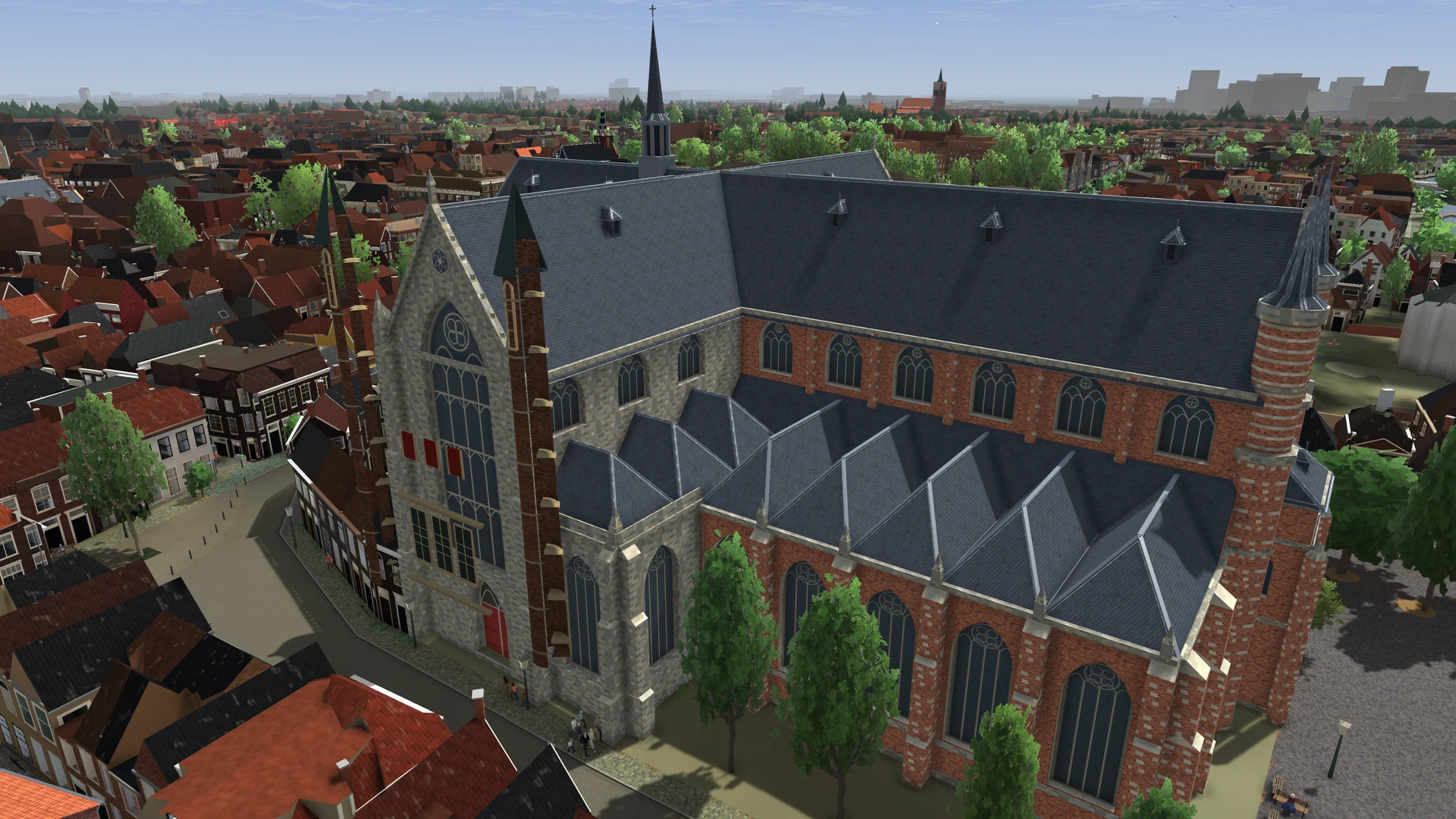
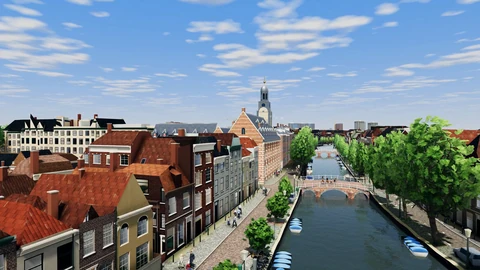
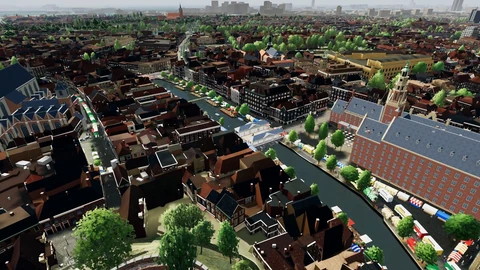
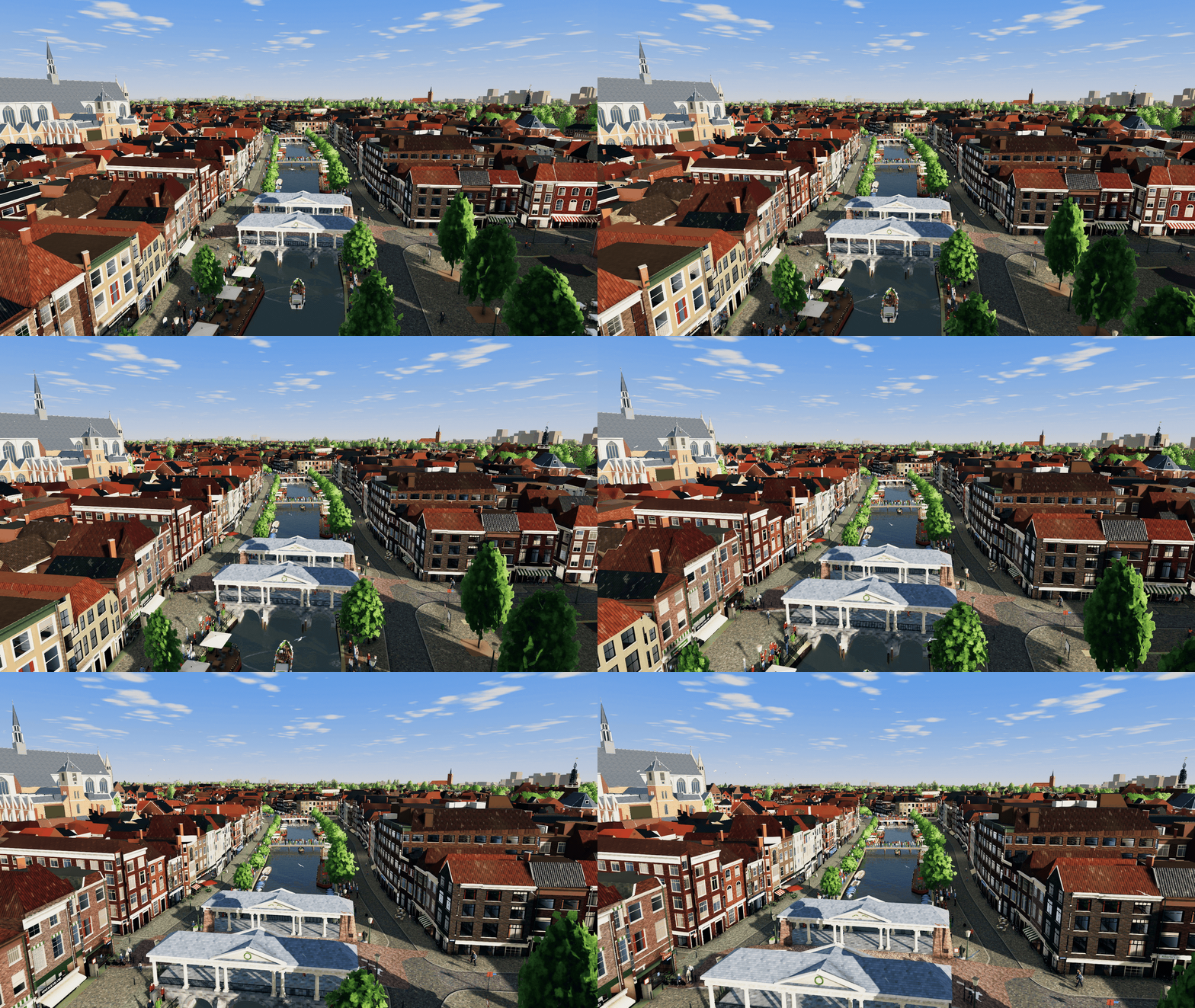
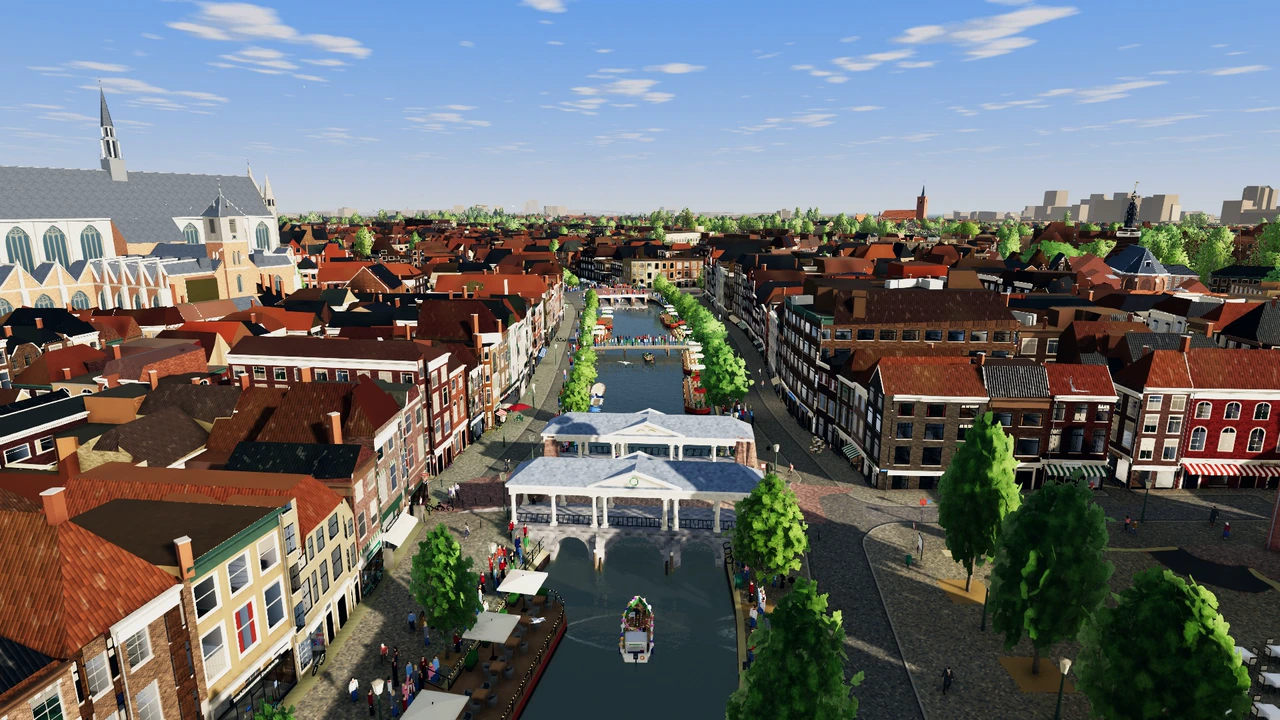
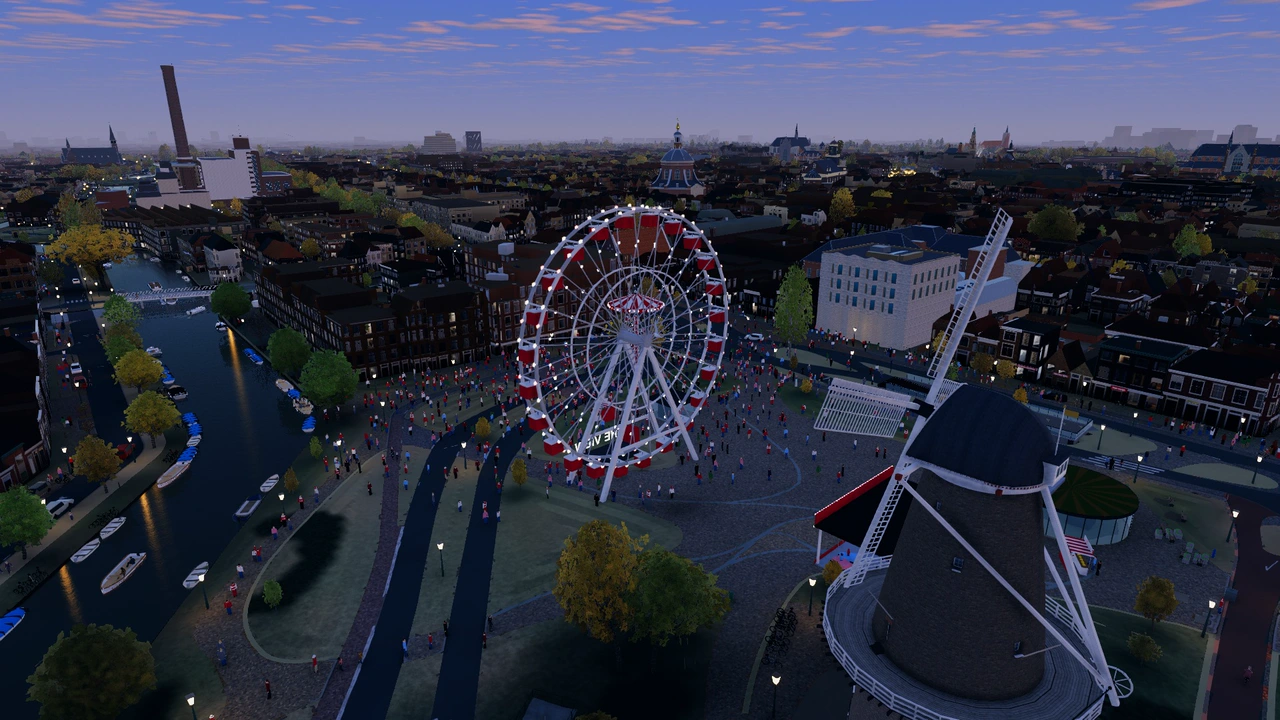
The Pieterskerk stands out from above. Fly lower and you can pick out the stepped gables along the canal and the roof of the Koornbrug.
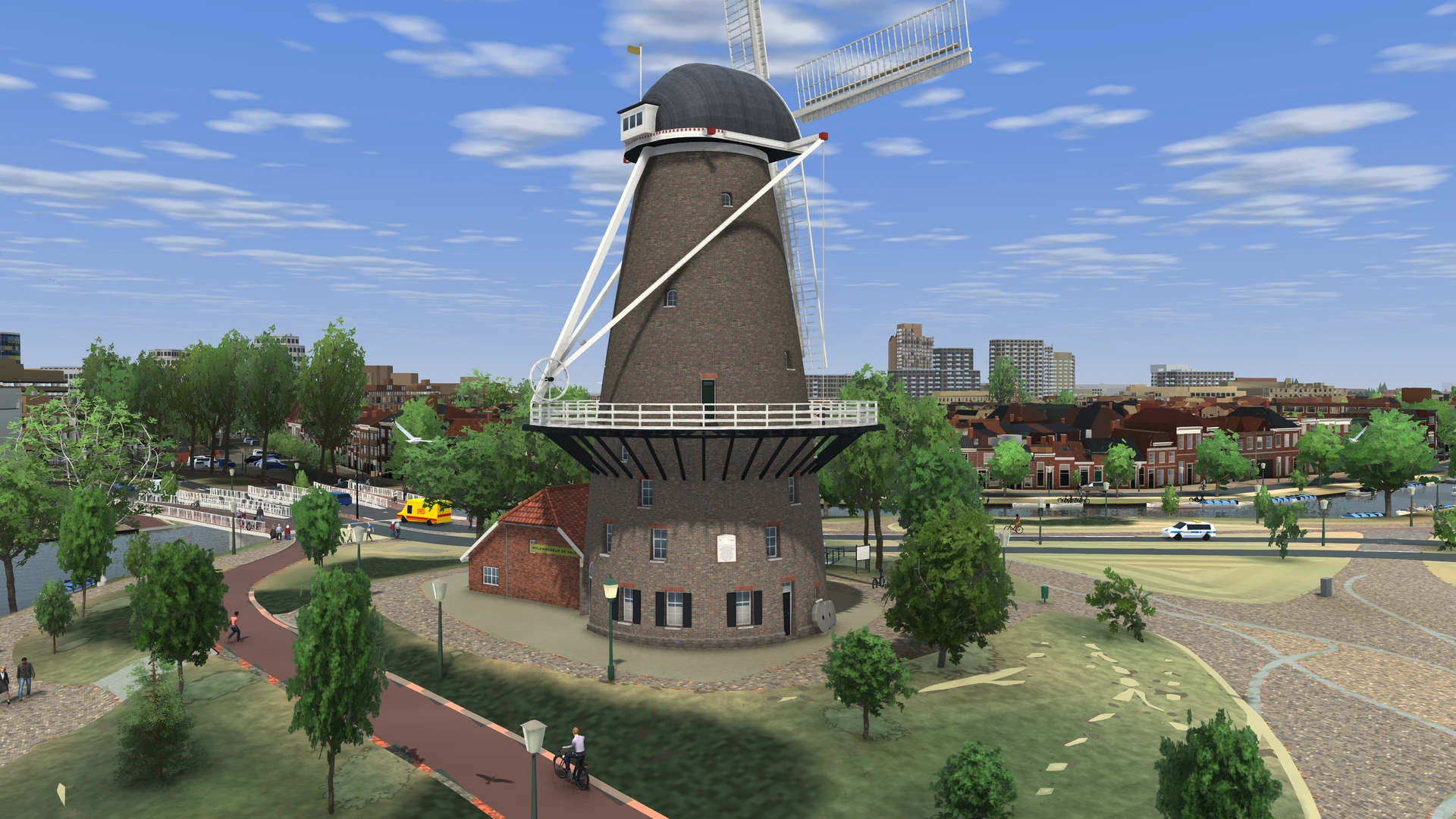
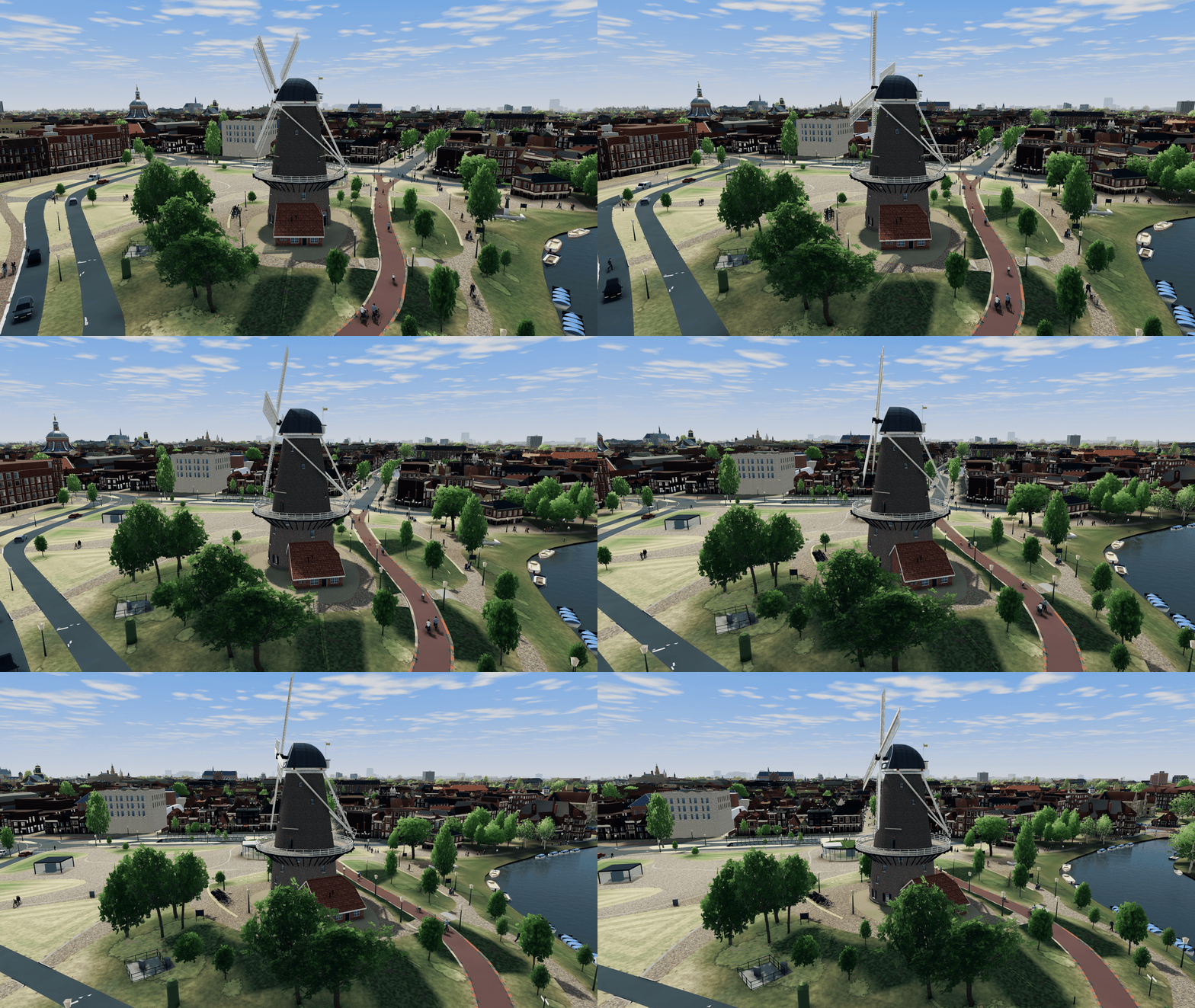
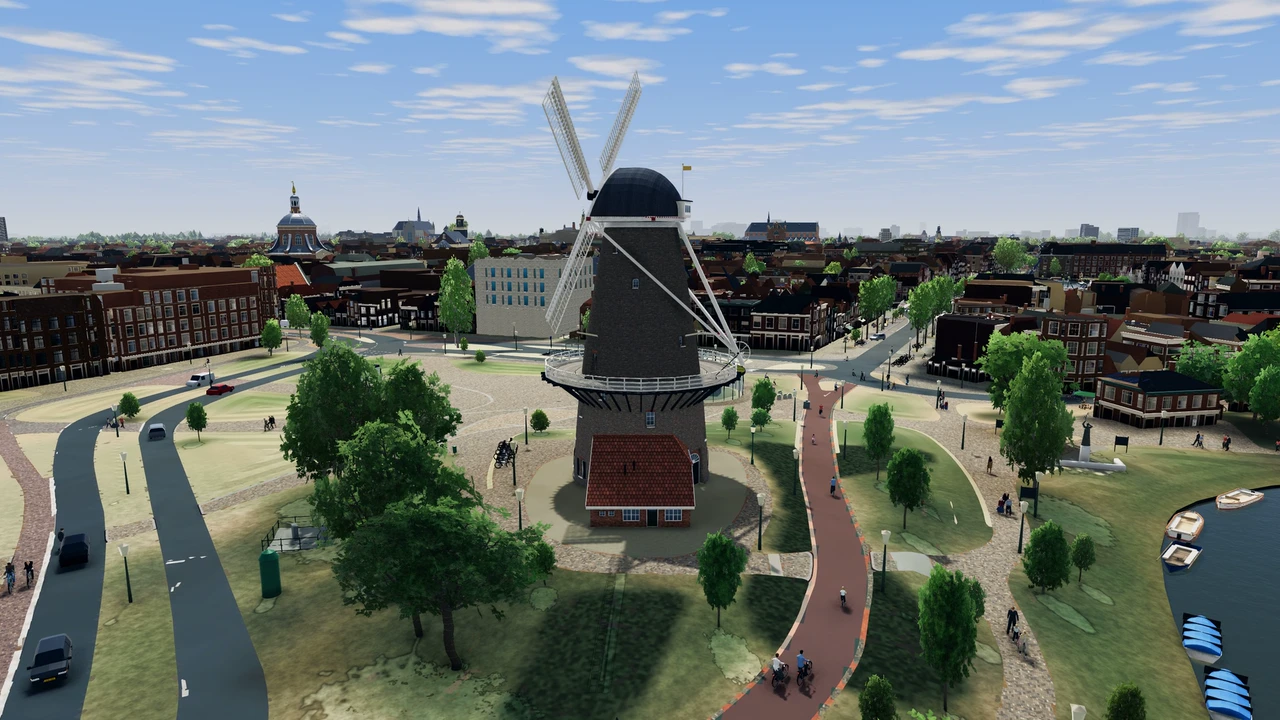
At the Lammermarkt, the guide tells his group that De Valk windmill dates from 1743. He then takes them to the town hall and the churches.
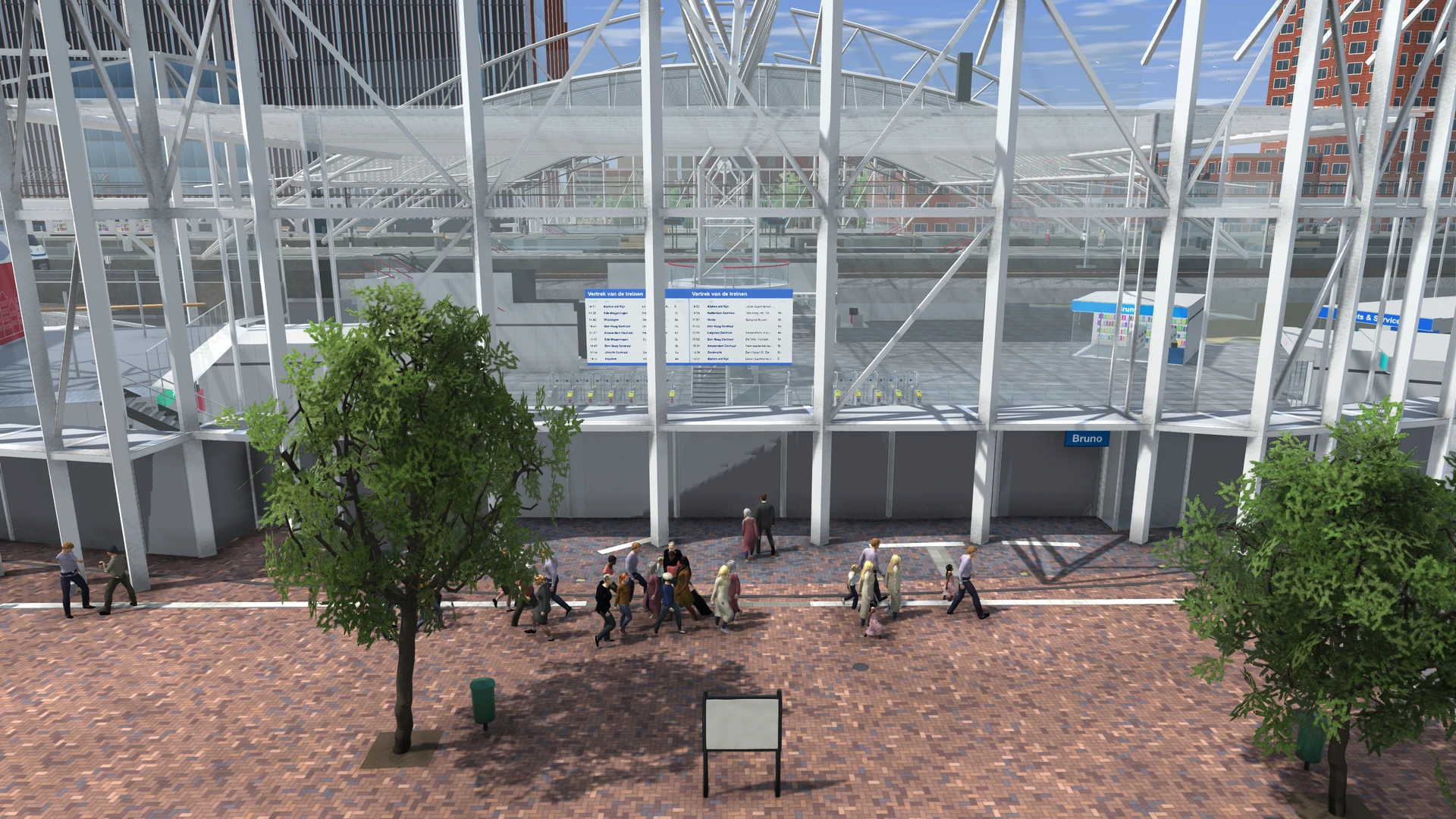
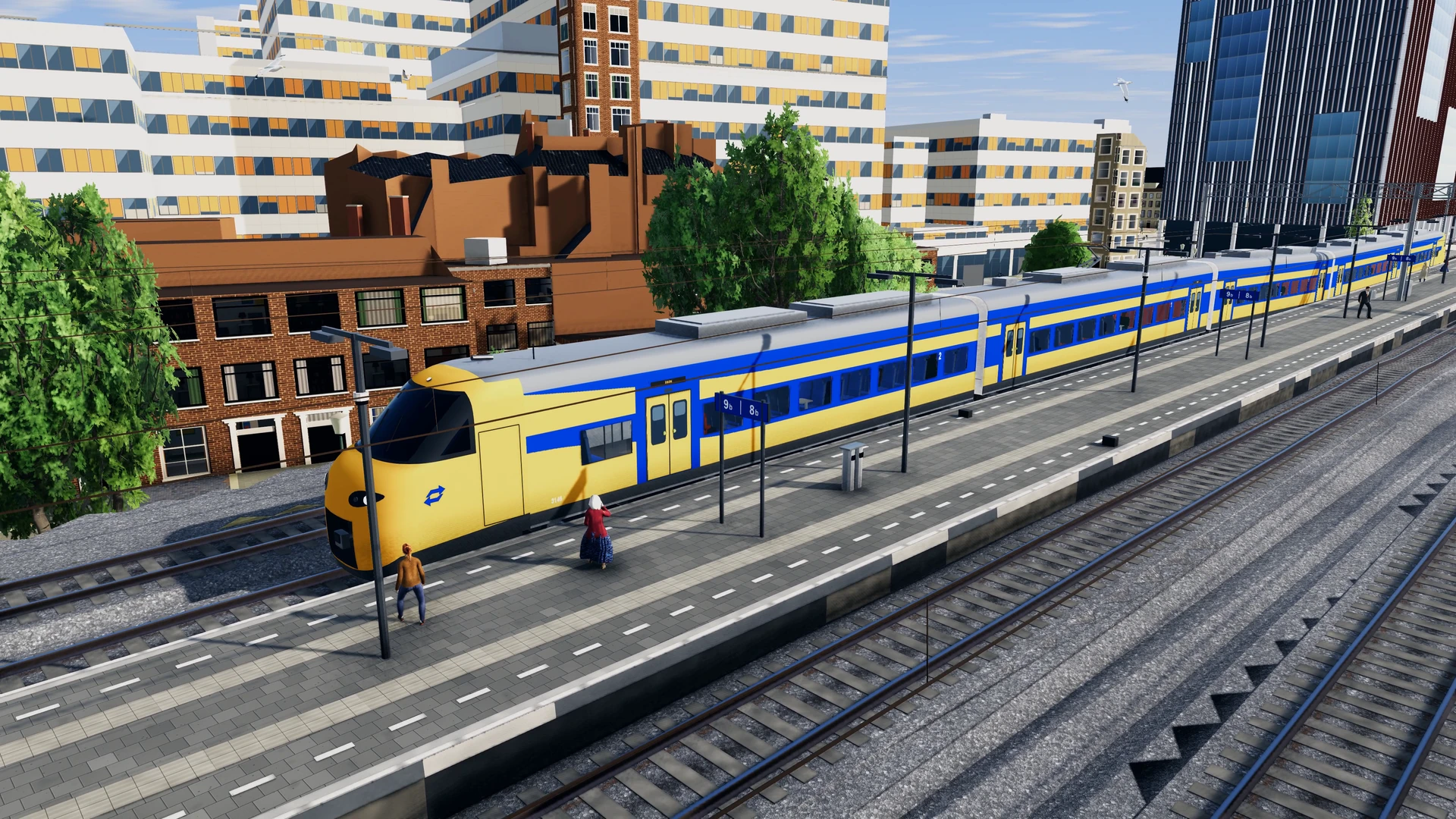
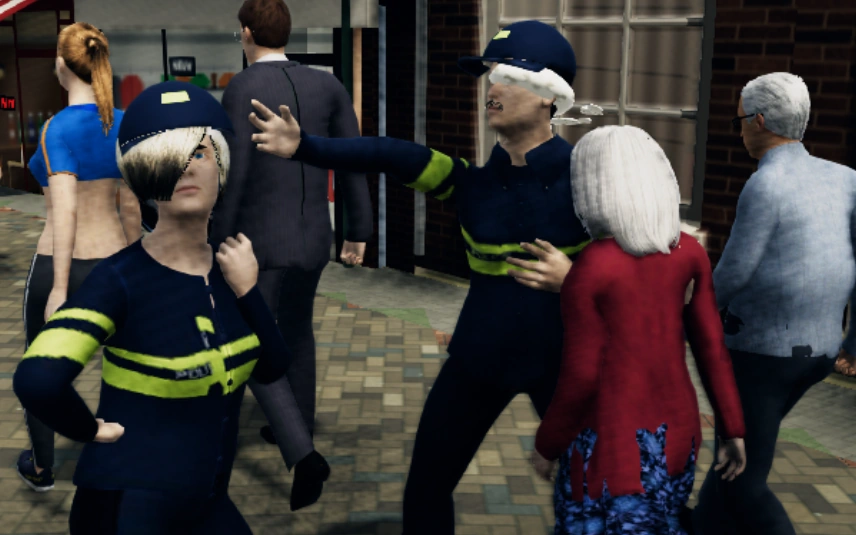
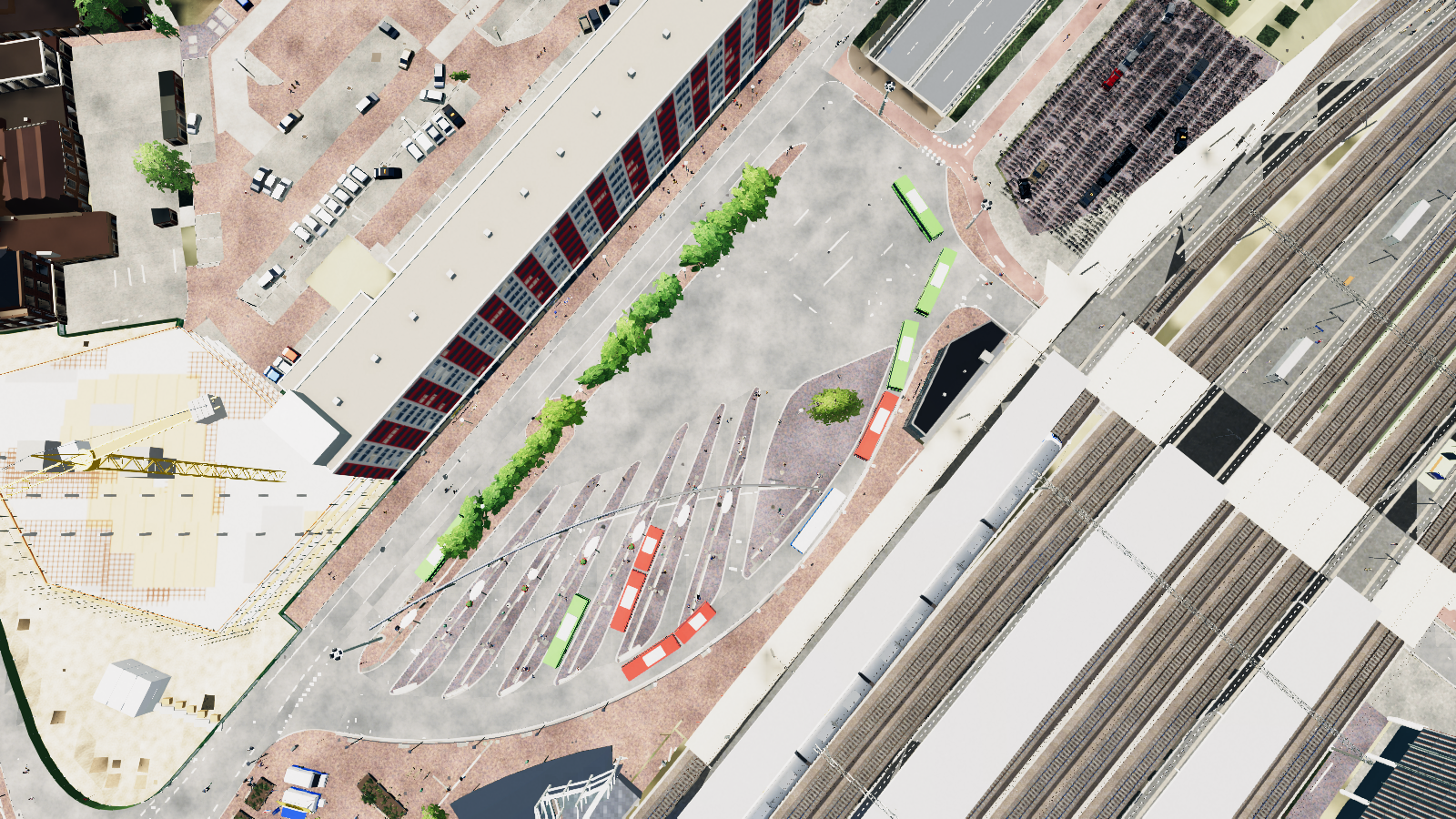
Trains pull into Leiden Centraal while buses outside run to their timetable. Cyclists squeeze past passengers on the square. Police patrol the streets, too.
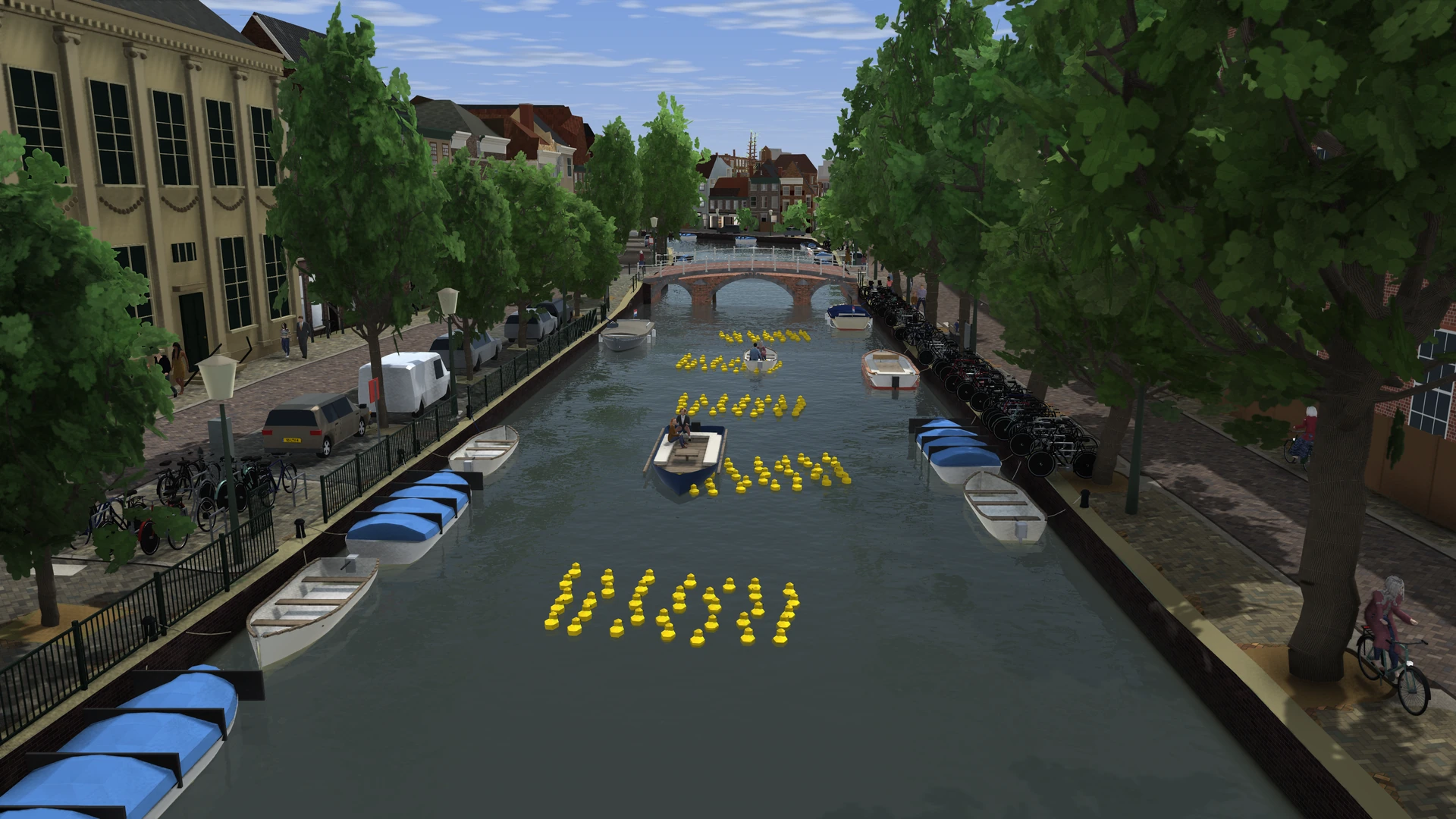
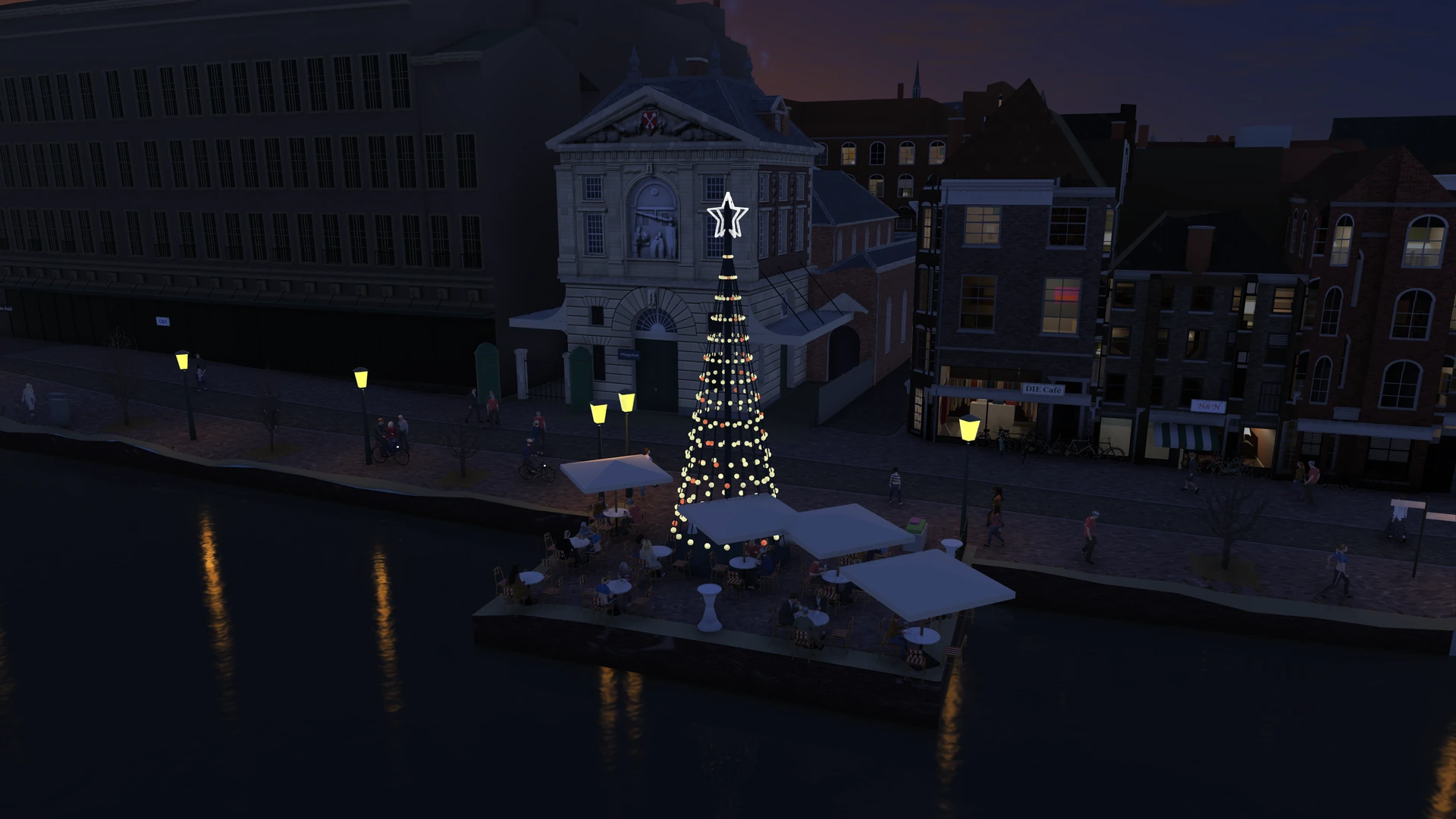
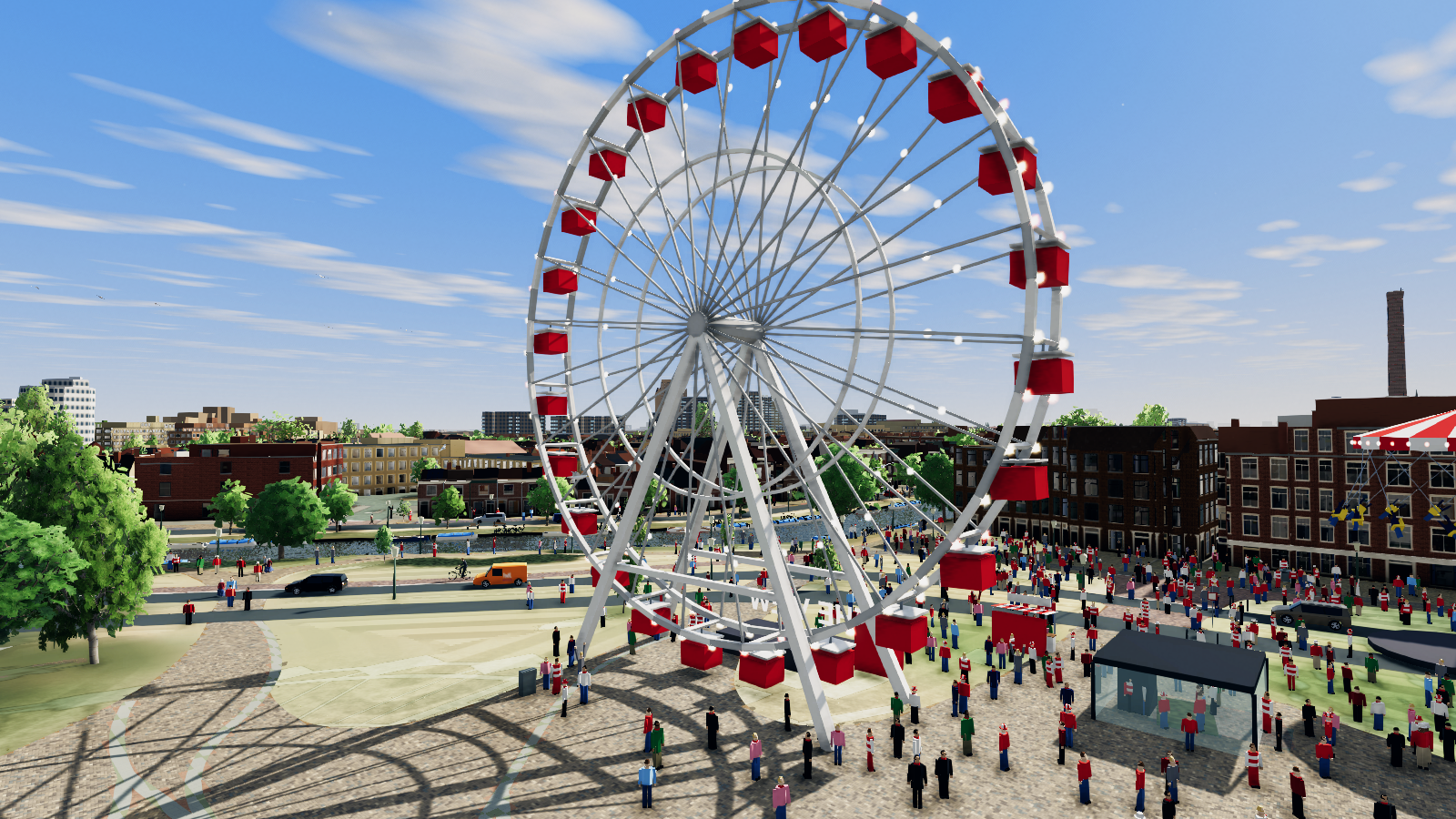
The stalls sell ice cream in summer. In spring, rubber ducks bob along the Rapenburg. Fly past De Waag in winter and you can see the LED tree from the canal.
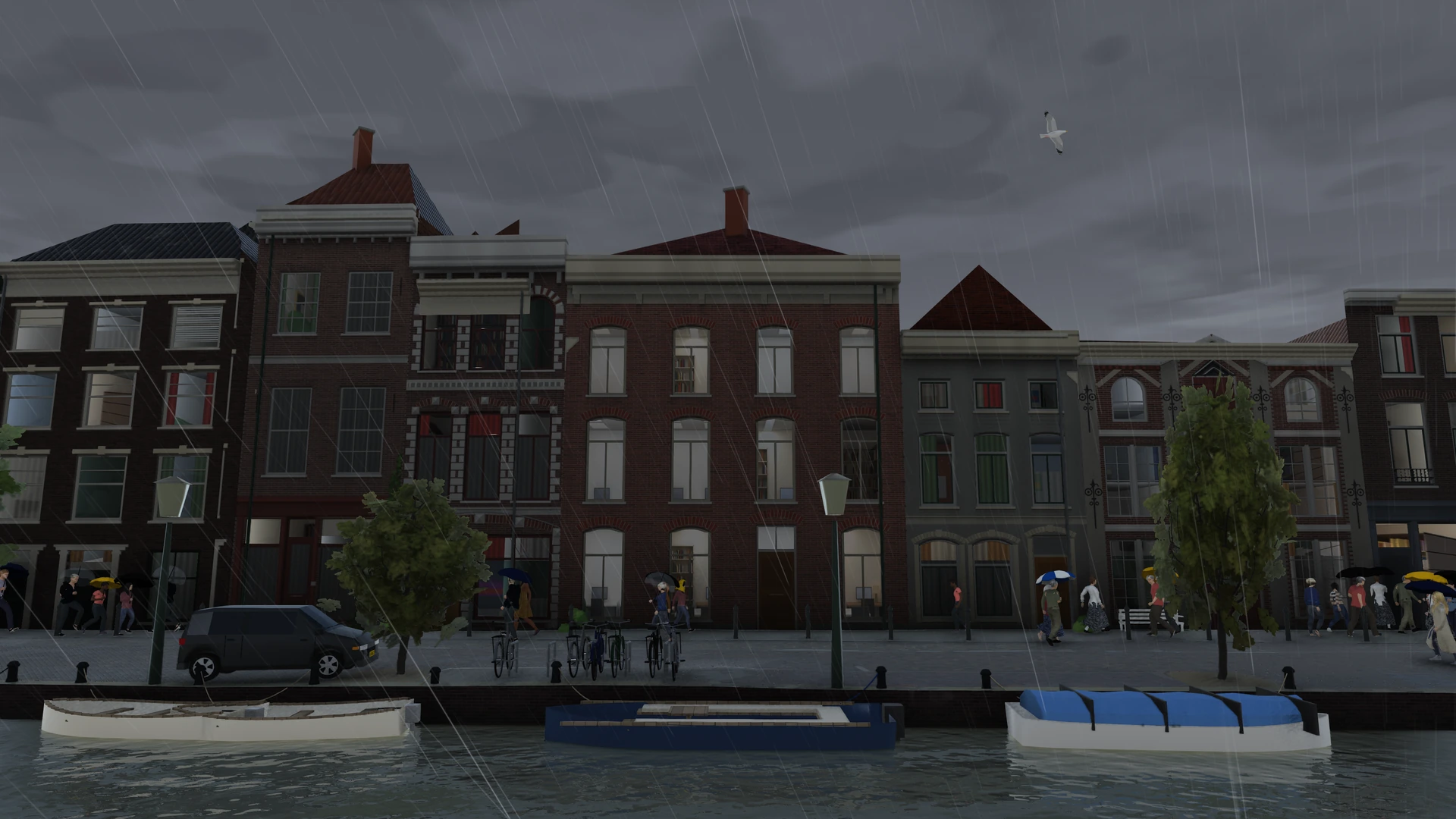
Switch on live weather and the sandbox fetches readings from a Leiden weather station about every five minutes. A weather model fills in what the station doesn’t measure.
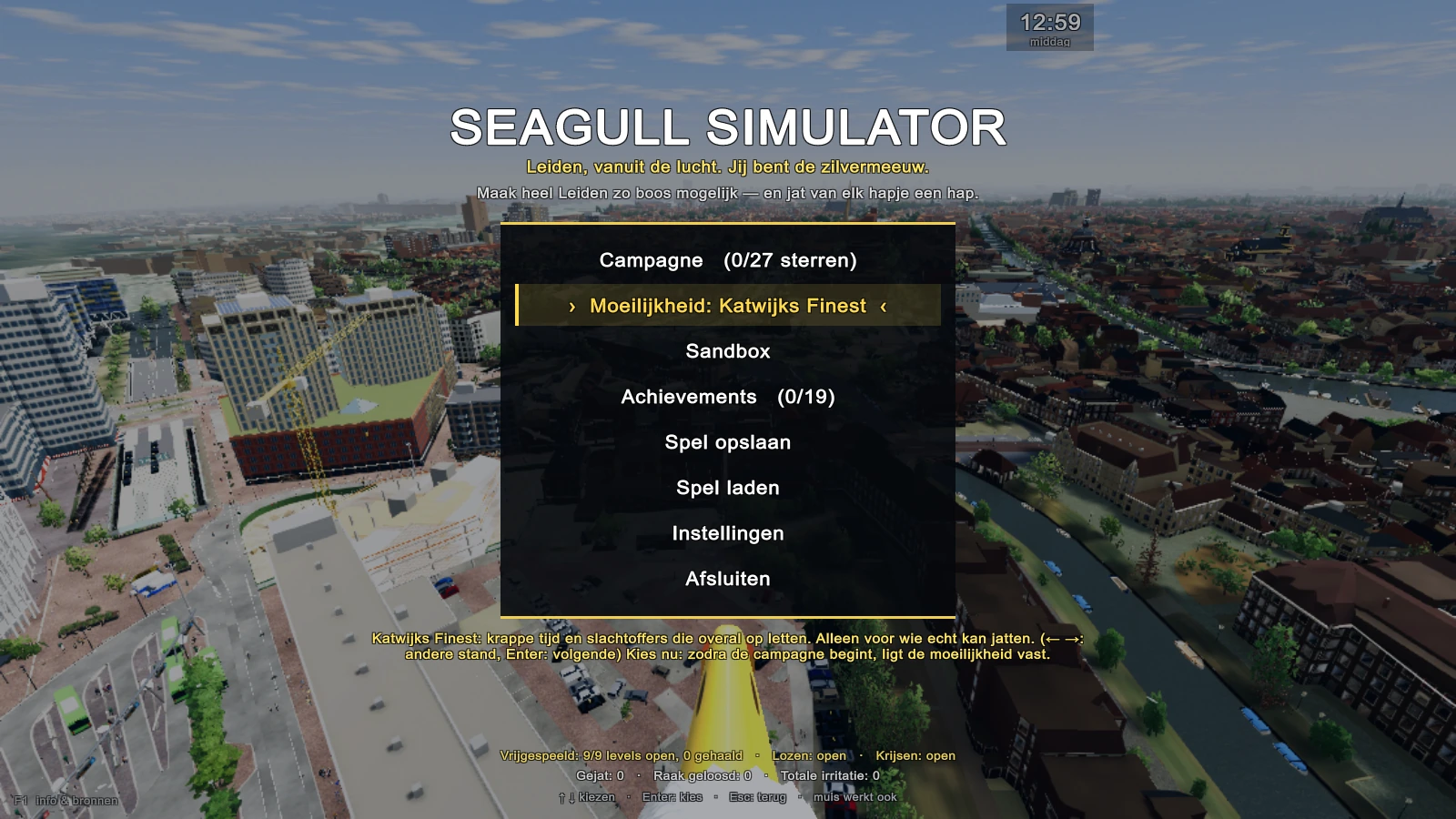
Choose your difficulty before starting the campaign. It controls how much time you get and how quickly people grab you.
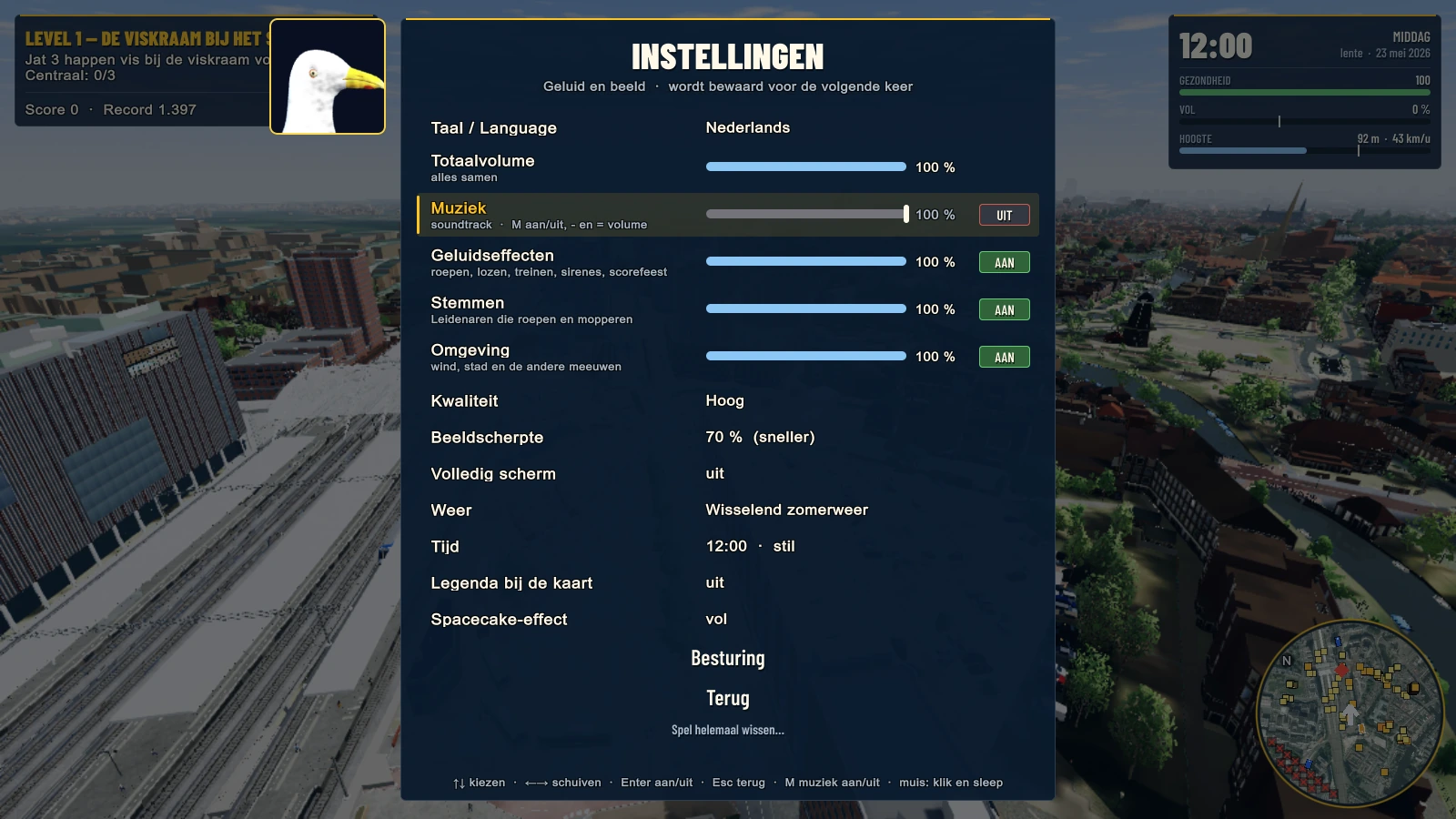
These are estimates for 1080p on Medium with a 30 fps cap.
If the game stutters, reduce the draw distance and level of detail and cap the frame rate at 30 fps.
FOOTAGE
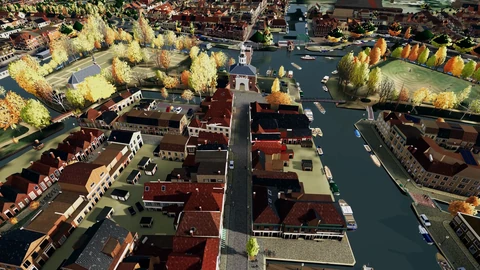
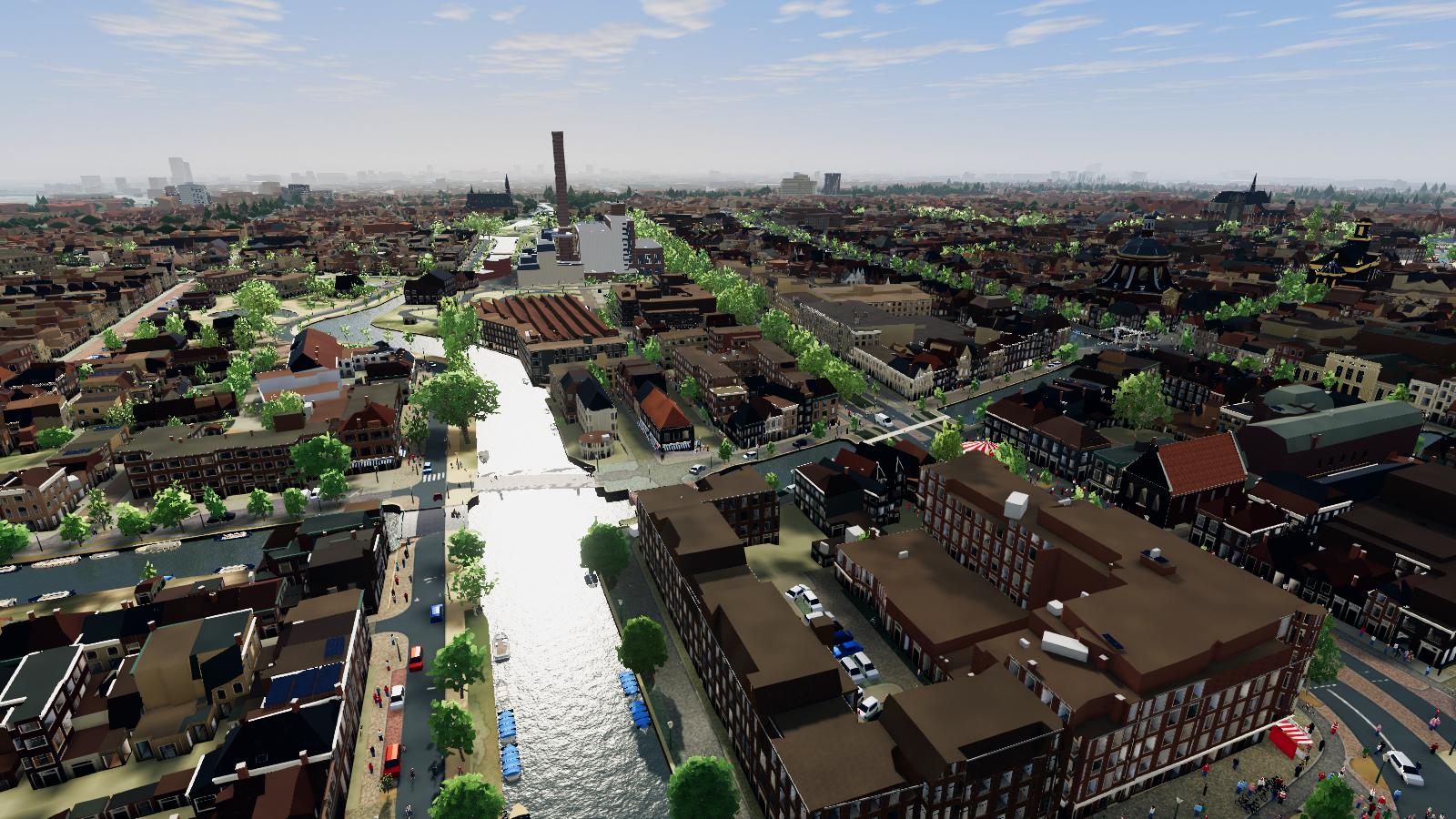
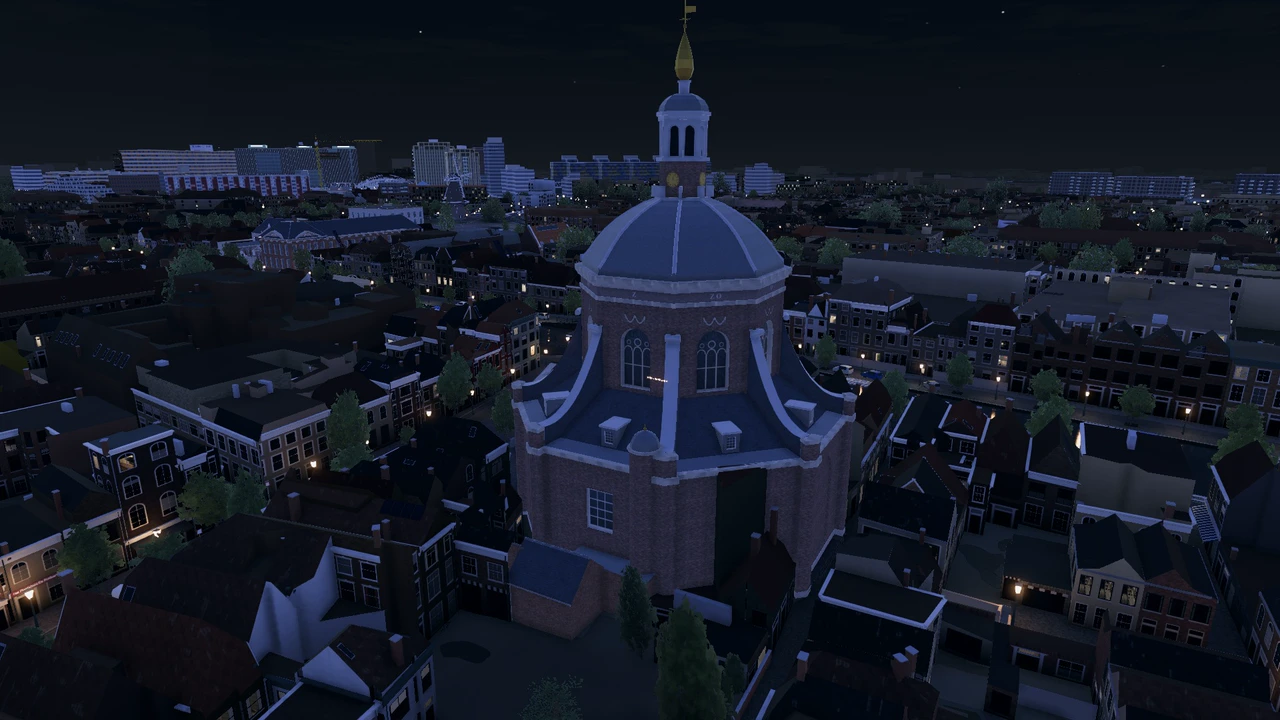
The footage is from the development build. Click a screenshot to enlarge it.
Open a location to watch its video.
RELEASE INFO
Play the fish stall level in the free demo. The full game includes all ten campaign levels and Sandbox.
See the map of LeidenSteam and itch.io will follow later.
Price in the Netherlands. See your store for the price in your currency.
Get an email when Seagull Simulator: Leiden is available. Confirm your address using the link we send you.
The demo starts at the fish stall on the station square. In Sandbox you can fly around Leiden Central Station. The full game has ten campaign levels and opens the whole playable city in Sandbox, from Rapenburg to the harbour.
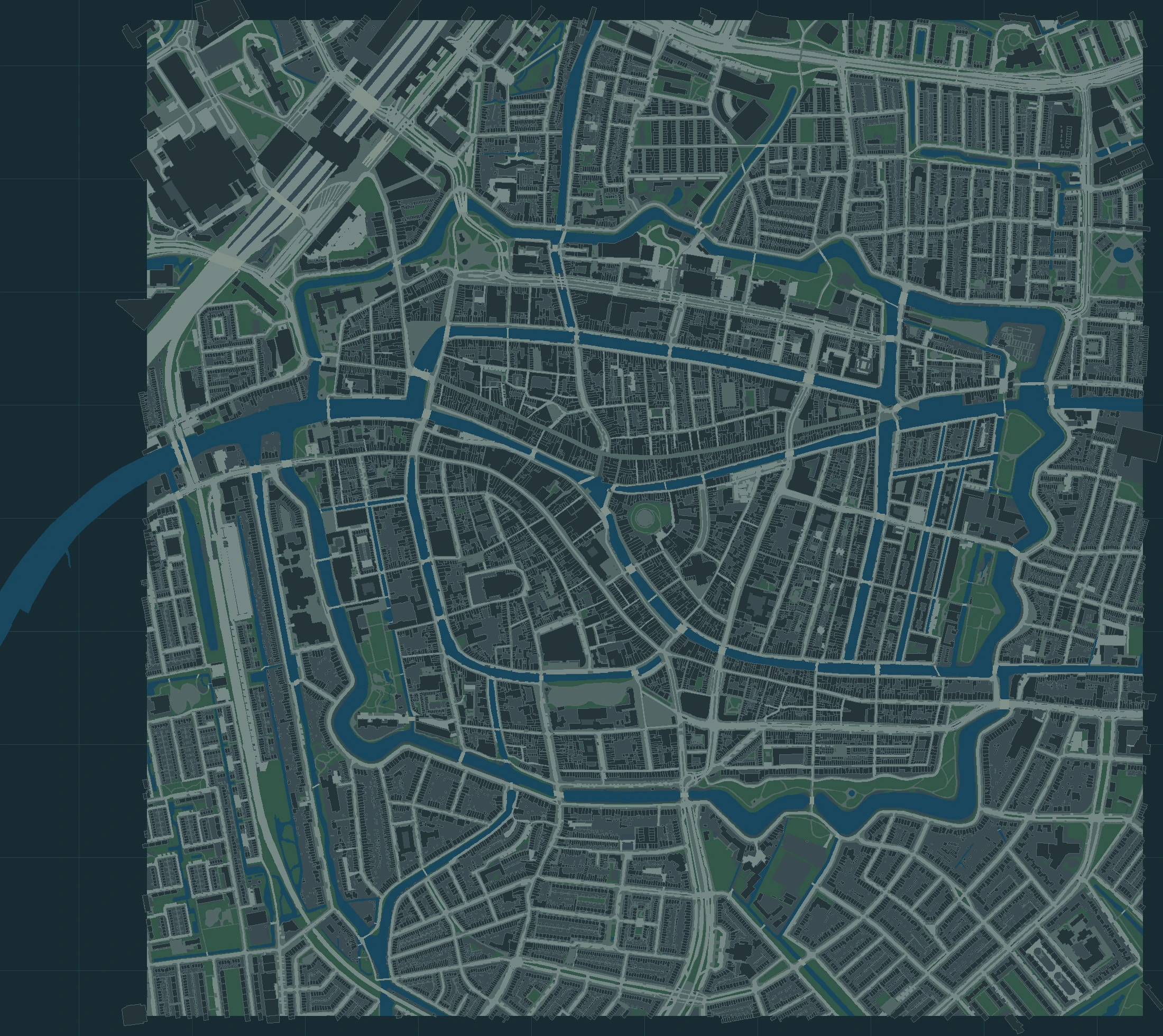
These markers show buildings with a dedicated model or a custom facade in the game. Select a marker or a name to open a screenshot.
PRACTICAL
The release is planned for Wednesday 18 November 2026 at 06:00 CET. See Demo and release for the latest listing status for each store.
We’re looking into an iPad and iPhone version. Supported models and a release date are still to be confirmed.
Download the game from a store once it’s available there. This website has game information and footage.
Yes. The free demo includes the whole first level at the fish stall.
The footage comes from the development build. Models and animations may change before release.
Some players report that Smart App Control blocks a component of the game. Check that Windows Security identifies it as the cause; the error code alone does not prove this. Update Windows and the game first.
Reported workaround: open Windows Security → App & browser control → Smart App Control, select Off and restart the game.
This reduces protection for every app on your computer. Use this workaround only if you accept that risk. Recent Windows updates let you turn Smart App Control back on; older installations may require a reset or reinstall. Turn it back on after playing if Windows allows it. You do not need to disable Microsoft Defender.
Prefer to wait for a fix? Email a screenshot, the blocked filename and your game version to stijn@pointiful.com. See also Microsoft’s explanation.
Yes. We made the 3D models with AI. Our main references were our own photos and research, supplemented by publicly available sources. We also used AI for voices and music. At Pointiful Slop Studio, we call it ‘AI slop’ as a joke at our own expense.
Email your proof of purchase to stijn@pointiful.com. Store purchases are refunded through Microsoft or Apple first. If that does not work, Pointiful will arrange a direct refund.